

Shipping features is the easy part. Getting customers to notice them is harder.
Whether your team calls them changelogs or release notes, the goal is the same.
A changelog buried in a GitHub repo or a weekly email rarely does the job. Users who don’t know about your improvements can’t get value from them.
The right changelog tool fixes that. It gets your updates in front of the right people, at the right time, in a format they’ll read. Some tools do just that. Others connect your changelog to your feedback board and roadmap. That way, collecting, prioritizing, building, and announcing all happen in one place.
This post covers 11 changelog tools across that full spectrum. There’s something here for every team, from a lightweight widget to full feedback-to-changelog suites.
Key takeaways
Here’s a quick overview of the tools we’ll cover:
- Canny — A feedback platform with a free changelog tool that closes the loop with your users.
- Beamer — A changelog tool built around in-app notifications and engagement.
- Headway — A simple, affordable changelog with a public page and widget.
- AnnounceKit — A changelog and comms hub with strong user segmentation.
- LaunchNotes — A product comms tool for turning release notes into a multi-channel moment.
- Frill — A lightweight feedback, roadmap, and announcements tool.
- ProductLift — An all-in-one feedback and changelog platform with per-seat pricing.
- FeatureOS — A multi-module platform covering feedback, roadmap, changelog, and knowledge base.
- Upvoty — A simple, affordable feedback and changelog tool.
- UserVoice — An enterprise customer intelligence platform with changelog functionality.
- ReleaseNotes.io — A dedicated changelog platform for teams that ship frequently.
How we evaluated these tools
Not every changelog tool serves the same team. A solo founder shipping weekly updates has different needs than an enterprise product team. These are the criteria we used to compare the tools in this post.
Changelog publishing and formatting
The basics matter. We looked at whether each tool supports rich text, images, and categories. We also considered whether teams can schedule posts, control privacy, and publish to a custom domain.
In-app and multi-channel delivery
A changelog page is only useful if people see it. We looked at whether each tool offers an embeddable widget, email notifications, and push notifications. The best tools meet users where they already are. That means inside your product or in their inbox.
Feedback and roadmap integration
Some tools treat the changelog as a standalone feature. Others connect it to a feedback board and roadmap, so users can see their requests go from idea to shipped. We noted which tools close that loop and which ones don’t.
Pricing and value for money
Changelog tools vary widely in price and packaging. Some charge by monthly active users, others by seat, and some by usage tier. We looked at what you get at each price point. We also flagged any gating that might catch teams off guard as they grow.
Ease of setup and use
A tool you never fully set up isn’t helping anyone. We looked at how fast each tool goes from signup to published changelog. We also considered how much technical knowledge each tool requires.
Canny
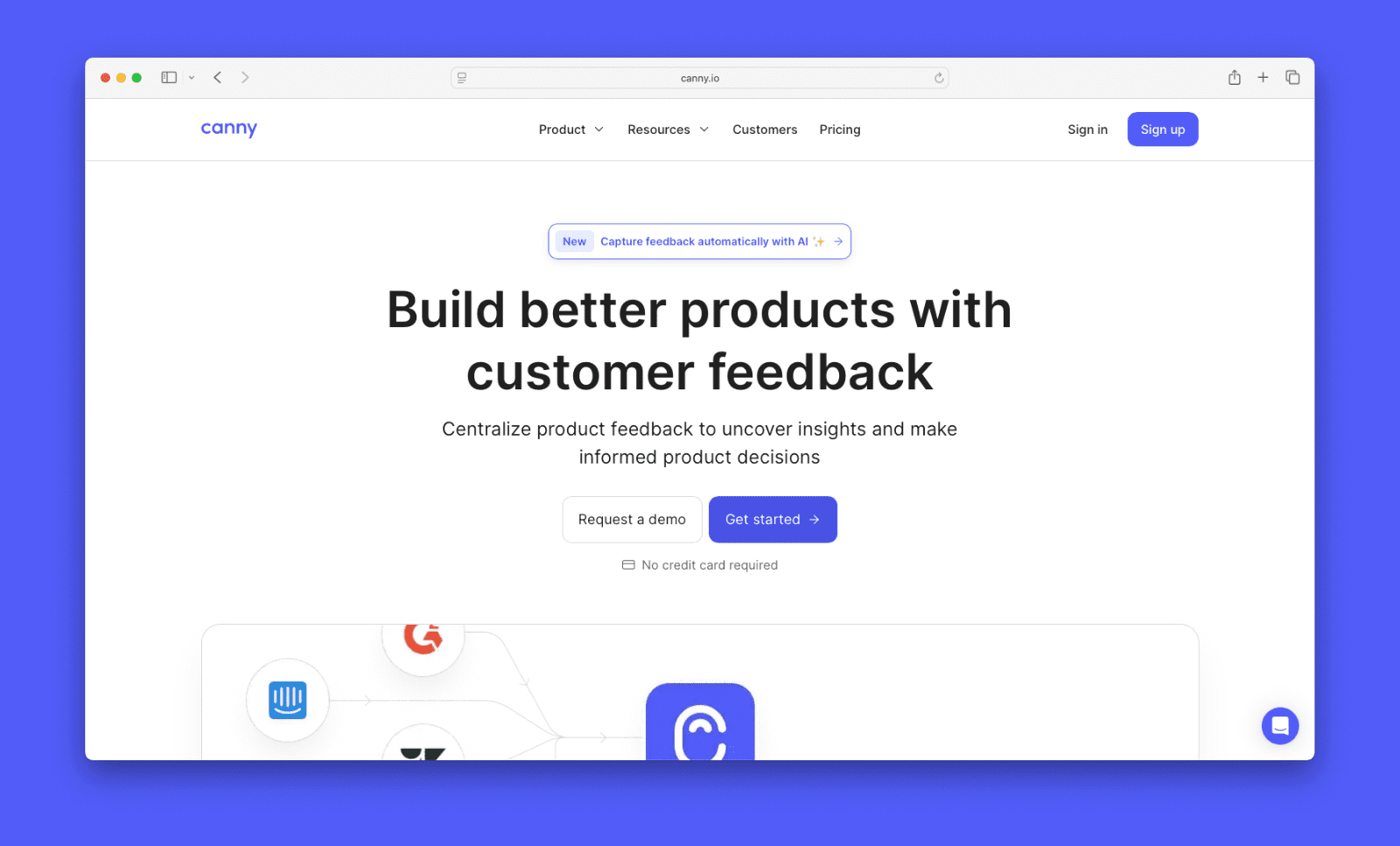
Canny is one of the few tools on this list built around the full product feedback loop. You can collect feedback, prioritize by revenue impact, build a roadmap, ship, and announce. All in one place. Most changelog tools start at the announcement step.
That connection matters. You can link a changelog entry directly to the requests that drove it. Users who asked for that feature see it was shipped because of their input. That kind of loop-closing is hard to replicate with a standalone changelog tool.
Canny’s free plan has everything you need to get started. You get a fully functional changelog, a public roadmap, and unlimited posts and boards. No paywalls on the core features. Most tools in this roundup charge $25–$79/month before you get anything comparable.
Features
- Changelog
- In-app changelog notification widget
- Email notifications
- Link feedback to changelog entries
- Changelog access controls
- Feedback boards
- Autopilot (AI-powered feedback capture and deduplication)
- Public and internal roadmaps
- User segmentation
- Prioritization tools (score and rank requests by votes, revenue impact, and effort)
- Dozens of integrations
Pricing
Canny has four plans:
- Free includes up to 25 tracked users, unlimited posts and boards, a full changelog, a public roadmap, and basic integrations.
- Core starts at $19/month (annual) and adds a custom domain and more tracked users.
- Pro starts at $79/month (annual) and adds user segmentation, project management integrations, automations, and up to 10 admin seats.
- Business is custom-priced and adds SSO, white labeling, CRM integrations, and invoice billing.
All plans include unlimited changelog use. There are no post limits or entry caps regardless of plan.
When it’s the right choice
- You want a fully functional (free) changelog with no meaningful restrictions to get started
- You want feedback collection, roadmapping, and changelogs in one connected workflow
- Closing the loop matters — you want users to see their feedback turned into shipped features
- You have a large team — all plans include at least five admin seats and unlimited free contributor seats
- You need Autopilot to capture feedback from support and other sources without manual work
- You want access controls on your changelog, not just a public page open to everyone
- Your team needs deep two-way integrations with tools like Jira, Linear, or ClickUp
- You want a tool that’s fast to set up and self-serve — a changelog and feedback board can be live in minutes

When it might not be the right fit
- Email notifications to changelog subscribers require a paid plan
- Jira and project management integrations require Pro at minimum
- Enterprise features like SSO and white labeling require the Business plan
- If you only need a changelog with no feedback or roadmap, it may be more than you need
Beamer
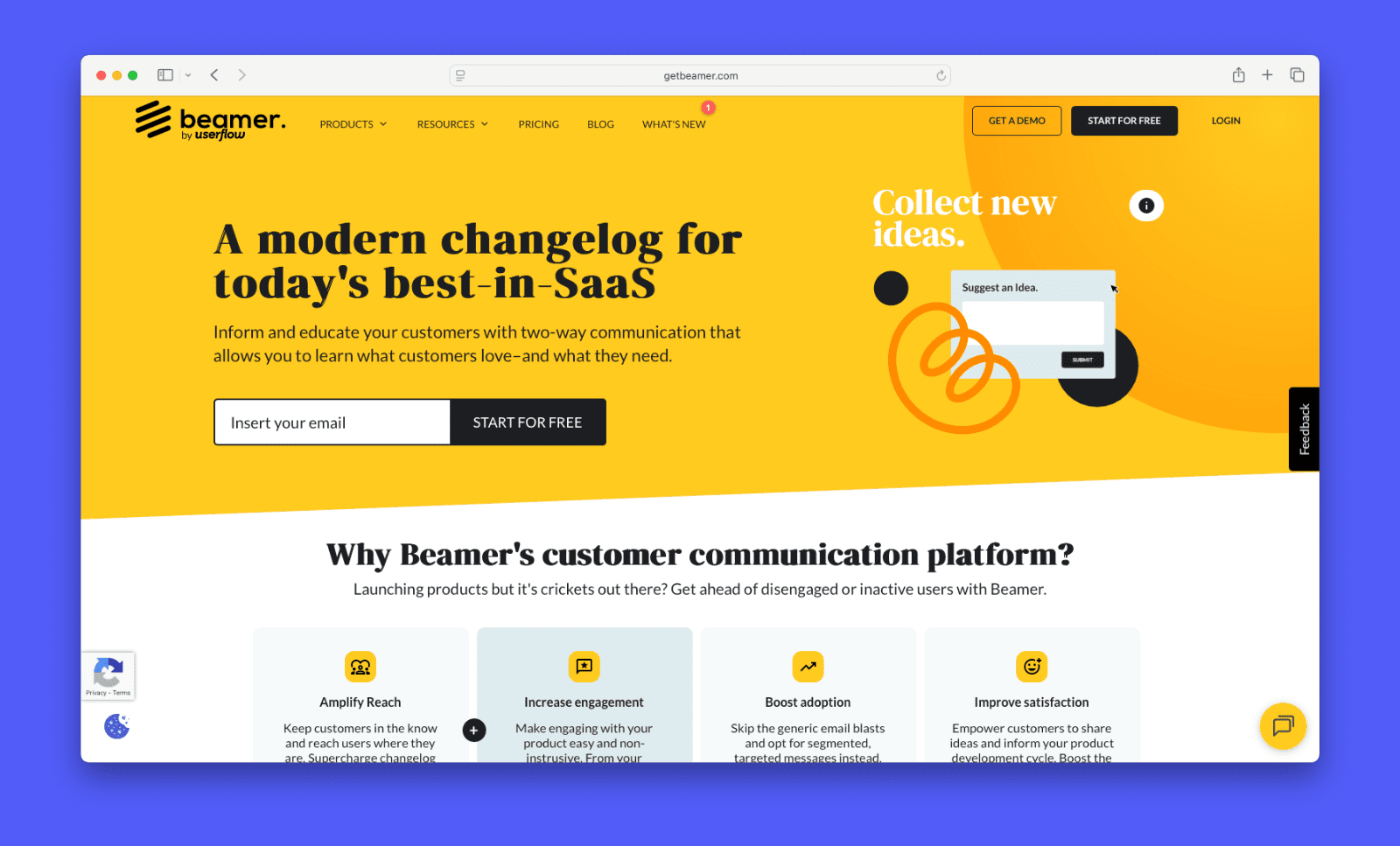
Beamer is one of the most established changelog tools on the market. It centers on in-app notifications and customer engagement. It positions itself as a full customer communication platform, not just a changelog.
Features
- In-app and standalone changelog
- Boosted announcements (pin or promote specific updates to increase visibility)
- Push notifications
- User segmentation
- NPS surveys
- Feedback collection
- AI content generator
- Analytics
Pricing
Beamer’s free plan covers up to 1,000 monthly active users. Paid plans start at $49/month billed annually. That gets you up to 5,000 MAUs. Higher tiers go up to 10,000 and 50,000 MAUs at $99 and $249/month respectively. Pricing scales with your MAU volume, not your team size. Feedback collection and NPS are add-ons on lower tiers. Custom pricing is available for larger teams.
When it’s the right choice
- You want updates to reach users inside your product, not just on a separate page
- Your team ships frequently and needs a polished, on-brand announcement experience
- You want to segment announcements by user type or behavior
- You’re already using HubSpot and want two-way data sync
When it might not be the right fit
- MAU-based pricing can get expensive as your user base grows
- Feedback collection and NPS cost extra on lower plans
- There’s no native feedback board or roadmap, so it won’t close the full feedback loop on its own
Headway
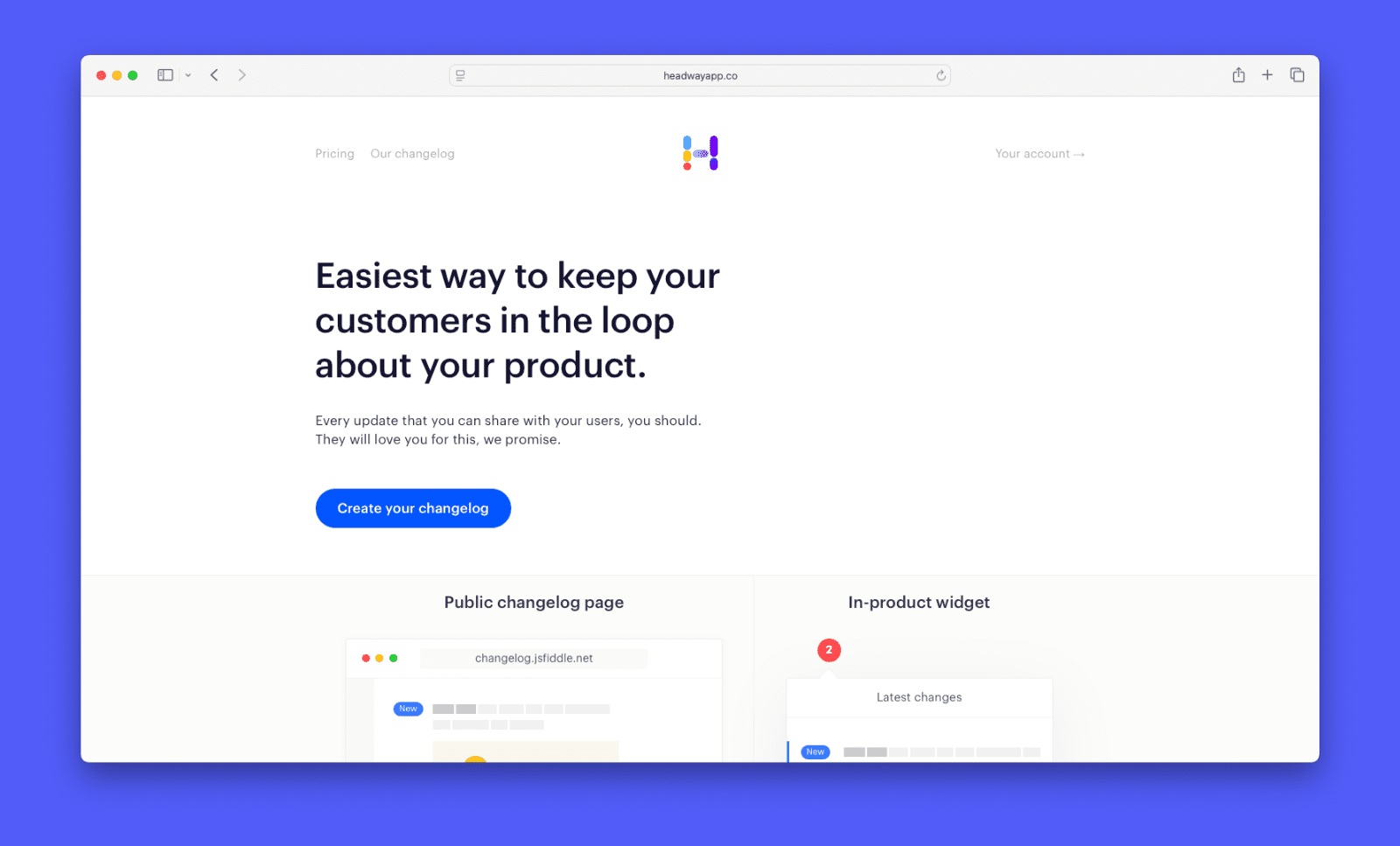
Headway is a focused changelog tool for teams that want to keep users informed without a lot of complexity. There’s no feedback board, no roadmap, and no suite of add-ons to navigate. Setup is fast and the interface is clean. If a dedicated changelog is all you need, it’s a good option.
Features
- Public changelog page
- Embeddable widget
- Custom domain
- Whitelabel
- Custom categories
- Scheduled publishing
- Privacy controls
- Slack integration
Pricing
Headway has a free plan that covers the core changelog features. The Pro plan is $29/month. It adds whitelabeling, a custom domain, all integrations, team management, and privacy controls. It’s one of the most affordable paid options in this roundup.
When it’s the right choice
- You need a changelog tool and nothing else
- You want to get up and running quickly with minimal setup
- You’re on a tight budget and need a capable paid plan at a low price point
- Your team already uses separate tools for feedback and roadmapping
When it might not be the right fit
- There is no feedback board or roadmap, so you can’t manage the entire feedback process
- Review data for Headway is limited, so it’s harder to get a clear picture of real-world experience
- Integrations and privacy controls are locked to the Pro plan
announcekit
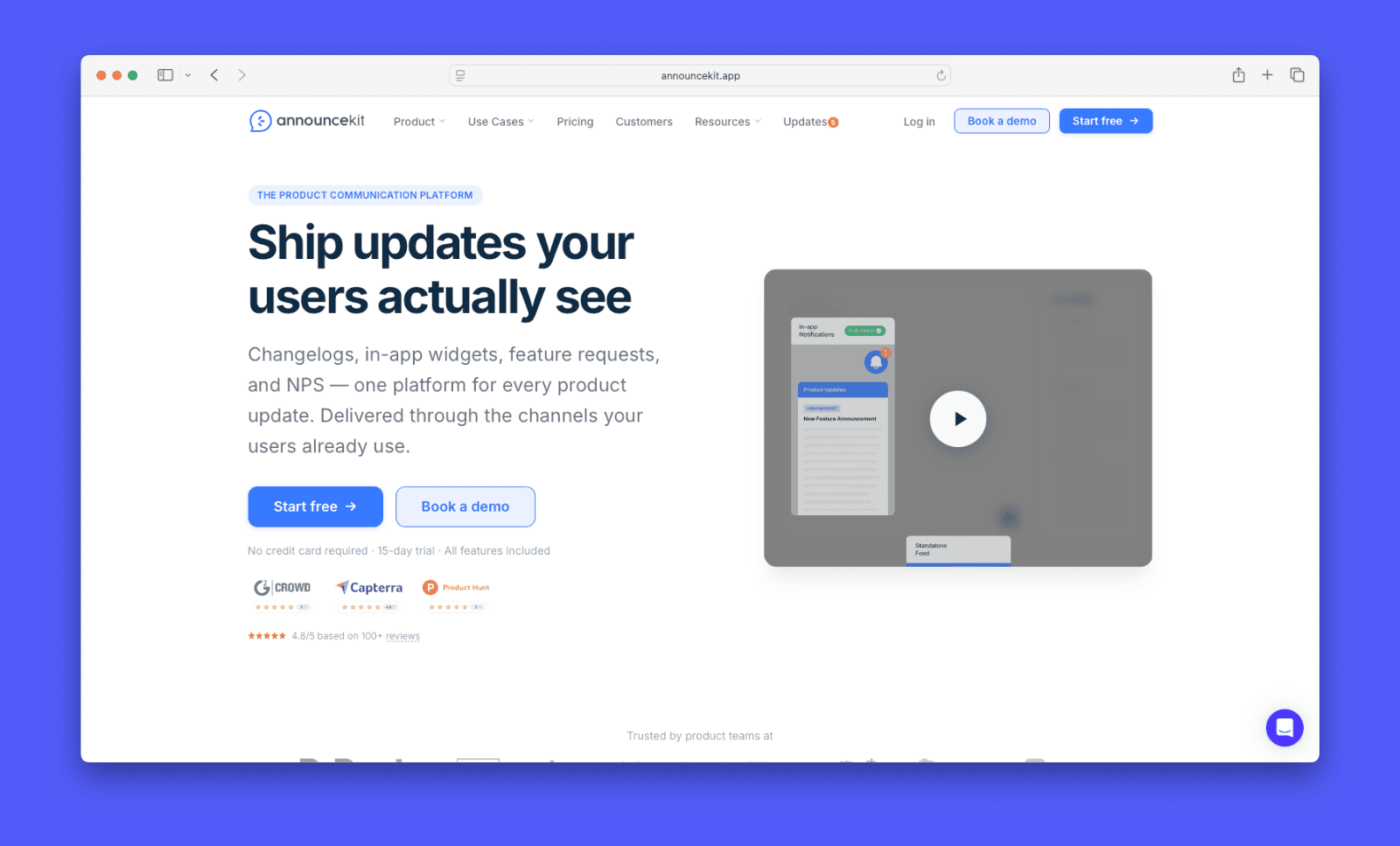
announcekit is a customer communication hub. It combines a changelog with in-app widgets, email notifications, and user segmentation. It suits teams who want control over who sees what and when. Recent updates have pushed it toward a full product comms platform. The widget now covers updates, feature requests, and roadmap in one place.
Features
- In-app widget
- User segmentation
- Email and Slack notifications
- Boosters (promoted posts that surface key updates more prominently in the widget)
- AI writing assistant
- Feature requests and roadmap
- Multi-language publishing
- Custom domain and analytics
Pricing
announcekit uses flat per-project pricing. The Essentials plan starts at $79/month (annual), but limits you to only one admin. Growth is $129/month and adds segmentation, feature requests, and unlimited team members. Scale is $339/month and unlocks boosters, SSO, and advanced integrations. Enterprise is custom-priced.
When it’s the right choice
- You want fine-grained control over which users see which updates
- You need a changelog that doubles as a broader customer comms hub
- Your product serves multiple user types or markets
- You need multi-language support
- You want feedback and roadmap features alongside your changelog
When it might not be the right fit
- No free plan, and Essentials at $79 is somewhat limited
- It may be more than you need if you just want a basic changelog
- It doesn’t have the deep feedback management features of a full suite
- Segmentation and multi-channel setup add complexity — it takes more configuration than most tools on this list to get full value from it.
LaunchNotes
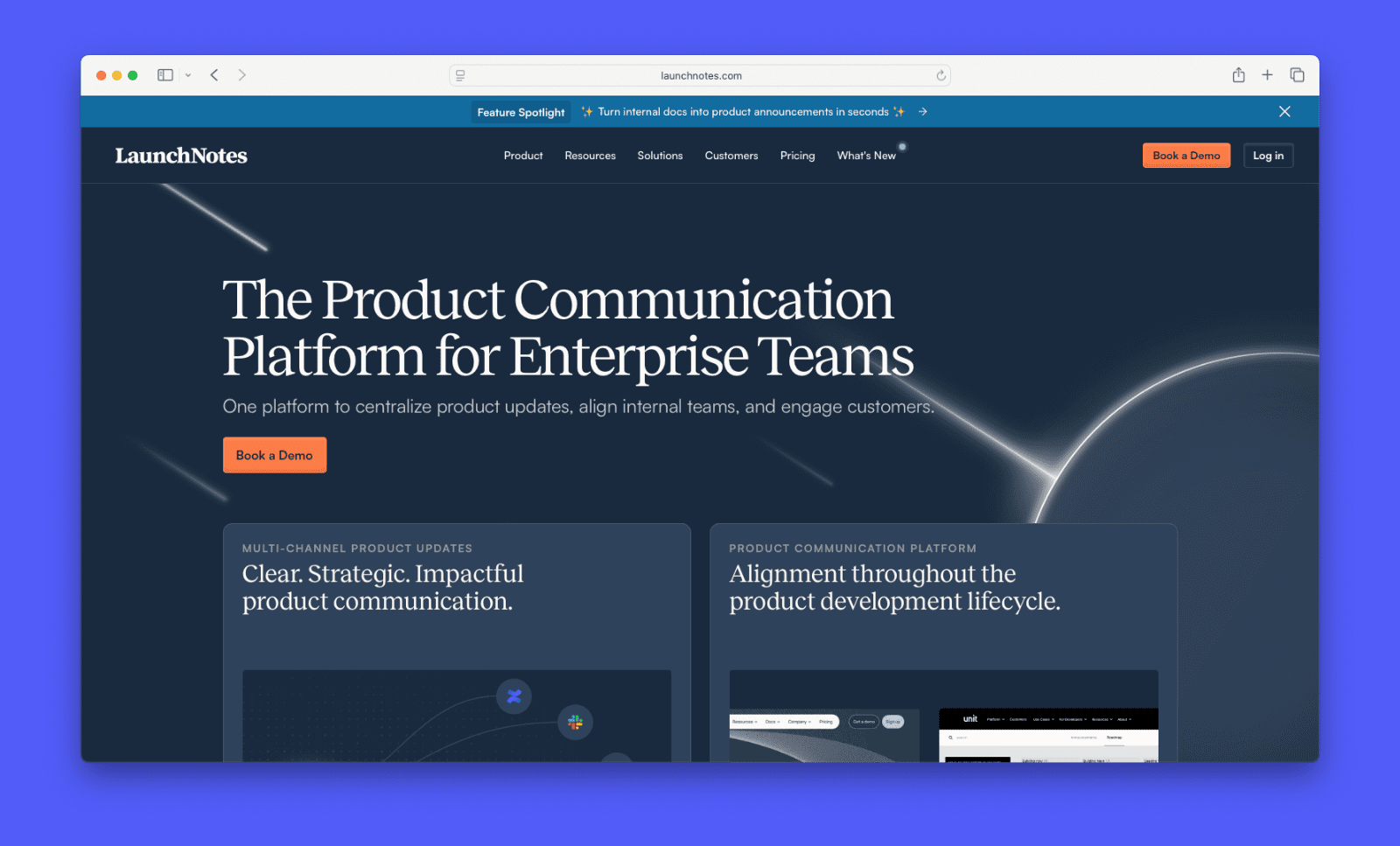
LaunchNotes serves teams that treat product updates as a marketing channel. It turns release notes into multi-channel moments that drive awareness and engagement. It’s a strong fit for larger product teams with a dedicated go-to-market function.
Features
- Multi-channel publishing
- Channel-specific publishing
- User segmentation and cohorts
- Feedback collection
- Engagement analytics
- Public roadmap
- Jira, Confluence, and HubSpot integrations
- Enterprise security
Pricing
LaunchNotes offers a Growth plan at $249/month billed annually. Enterprise pricing is custom. There’s no lower-priced tier. It’s a bigger commitment than most tools in this roundup.
When it’s the right choice
- You have a dedicated product marketing or comms function
- You want updates to reach users across multiple channels from one place
- Your team needs enterprise-grade security and compliance
- You want to measure how users engage with each announcement
- Internal alignment across product, engineering, and marketing is a priority
When it might not be the right fit
- The entry price is high compared to most tools in this category
- The Growth plan only includes two admin users. That may be limiting for larger teams
- It’s likely more than a small team or solo founder needs
- There’s no self-serve setup — getting started requires a sales conversation and onboarding process
Frill
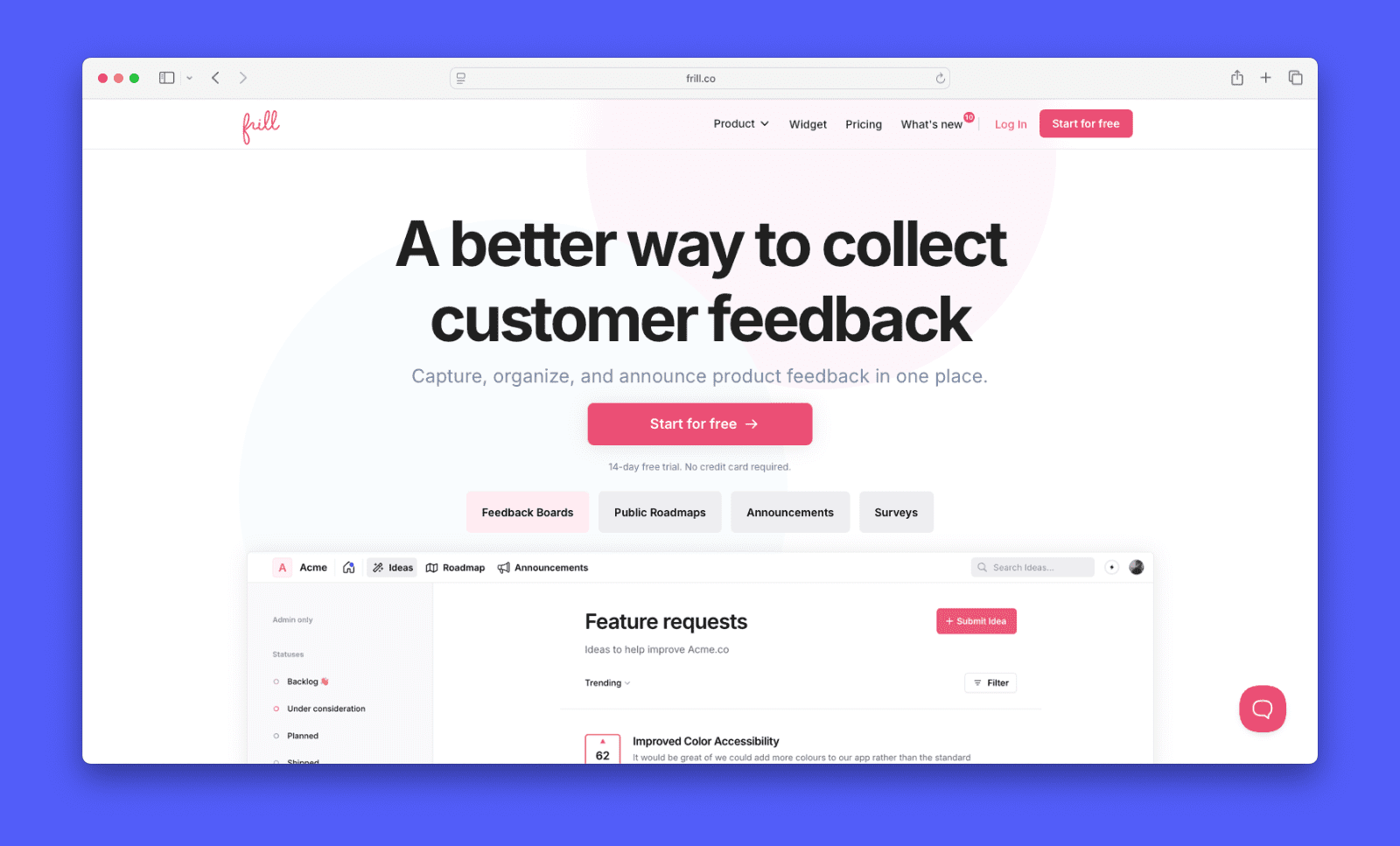
Frill combines feedback collection, roadmapping, and changelog announcements in one place. It targets teams that want those three things covered without investing in a larger platform. Announcements support rich media, emoji reactions, and custom categories. It can be embedded in your product or hosted as a standalone page.
Features
- Embeddable announcement widget
- Standalone announcements page
- Rich media editor
- Custom categories
- Scheduled announcements
- Announcement analytics
- Feedback board
- Public roadmap
Pricing
Frill’s Startup plan starts at $25/month and includes 50 ideas and one survey. The Business plan is $49/month and adds unlimited ideas and three surveys. The Growth plan is $149/month and includes privacy controls and white labeling. Enterprise starts at $349/month.
When it’s the right choice
- You want feedback collection, roadmapping, and changelog in one affordable tool
- You’re a small team that needs the basics covered without a big monthly commitment
- You want a clean, embeddable announcement widget with rich media support
- You want a tool with quick setup and a simple to use interface
When it might not be the right fit
- There’s no AI writing assistance for changelog posts
- It may feel limited for larger teams with more complex workflow needs
- It’s a smaller team with no dedicated support or success staff
ProductLift
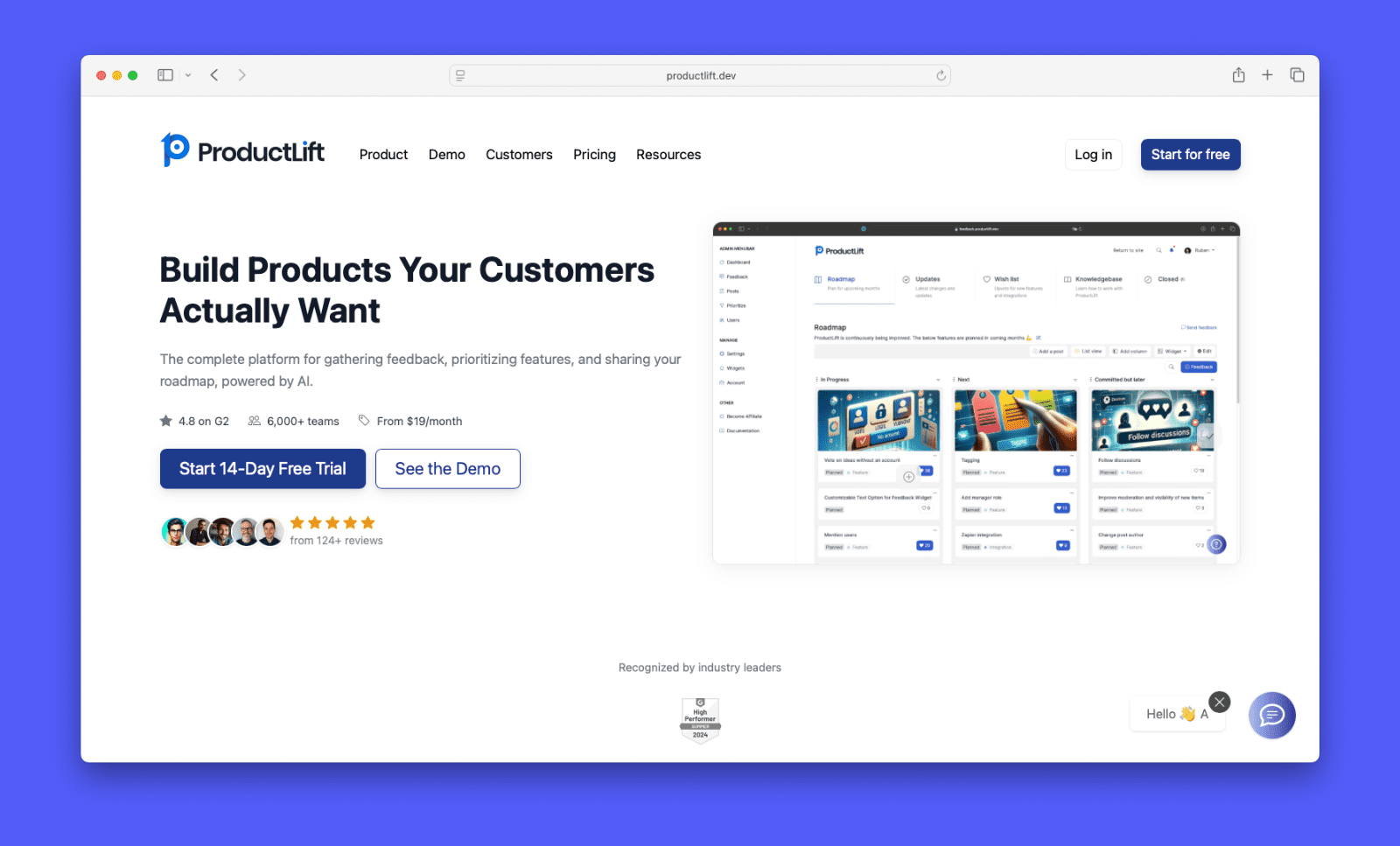
ProductLift is an all-in-one feedback and changelog platform for SaaS teams that ship frequently. It connects feedback, roadmap, and changelog in a single workflow. When a feature ships, voters get notified automatically.
Features
- Changelog with auto-notifications
- Feedback board
- Public roadmap
- Knowledge base
- White-label (all plans)
- Custom domain and branding
- Embeddable widget
- Prioritization frameworks (RICE, ICE, MoSCoW)
- Webhooks and API
Pricing
ProductLift has three plans, all with unlimited end users and white labeling included. Starter is $19/month (annual) and covers two admins, two boards, a changelog, roadmap, feedback, and knowledge base. Pro is $49/month (annual) and adds up to five admins. Business is $129/month (annual) and includes up to 25 admins. Extra admins can be added to any plan for $15/month each.
When it’s the right choice
- You ship frequently and want voters notified automatically when their request is fulfilled
- You want feedback, roadmap, changelog, and knowledge base in one place at an affordable price
- You want white labeling without paying a premium for it
- You need built-in prioritization frameworks like RICE, ICE, or MoSCoW
When it might not be the right fit
- Admin seats are capped per plan — the Starter plan only includes two, which may feel limiting quickly
- It lacks advanced engagement features like NPS surveys or modal popup notifications
- It lacks the feature depth of more established tools on this list, including more basic changelog analytics
- Some users have reported friction with social account authentication and multi-workspace management
- It’s run by one person with no dedicated support team
FeatureOS
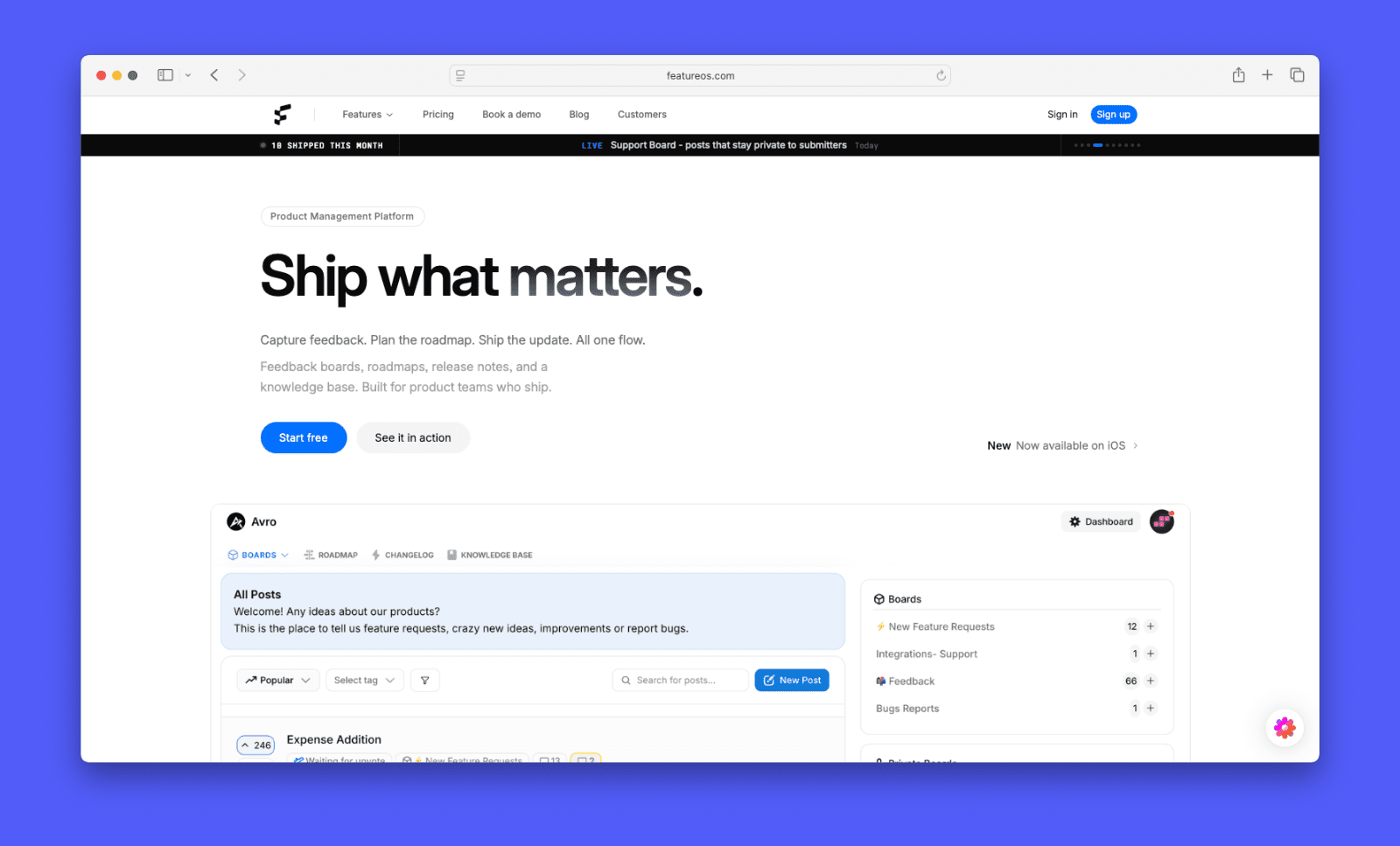
FeatureOS is a feedback platform that covers feedback boards, roadmap, changelog, and knowledge base in one place. It’s a good option for teams that want those tools without committing to a larger platform.
Features
- Changelog with embeddable widget
- Email notifications
- User segmentation
- Feedback boards
- Public roadmap
- Knowledge base
- Custom domain
Pricing
FeatureOS offers a free plan to try it out, and three paid plans. Starter is $60/month and includes five seats. Growth is $120/month and includes ten seats. Business is $250/month and includes 15 seats. Every plan charges $15/month for each additional seat.
When it’s the right choice
- You’re early-stage and want a free plan to get started
- You need a knowledge base alongside your changelog and feedback tools
- You want feedback, roadmap, and changelog without committing to a larger platform
When it might not be the right fit
- The free plan caps changelog emails at 1,000 per month.
- User segmentation requires the Growth plan at $120/month
- They don’t have many reviews, so real-world reliability at scale is harder to assess
- Every admin seat beyond the plan allotment costs $15/month extra, with no free contributor role
- Initial setup takes more time than lighter tools on this list.
Upvoty
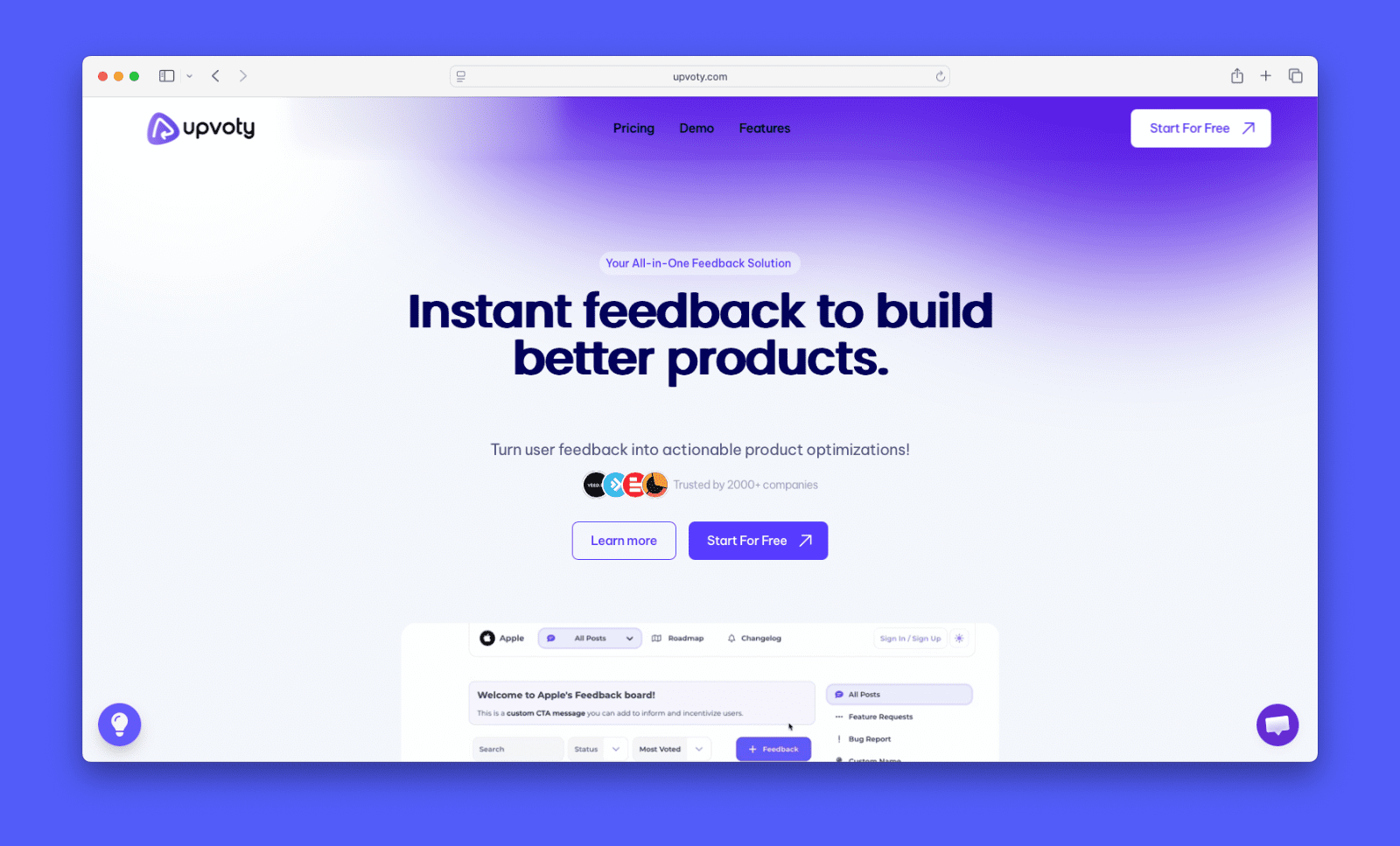
Upvoty is a feedback and changelog tool aimed at small teams. It offers feedback collection, roadmap, and changelog in one place. The interface is clean and setup is fast.
Features
- Changelog page
- Embeddable widget
- Feedback boards
- Public roadmap
- User SSO
- Custom domain and CSS
- Multi-language support
- User segmentation
Pricing
Upvoty offers three plans, all with unlimited boards, unlimited users, and the same full feature set. The Power plan is $25/month and covers one project. The Super plan is $49/month and adds a second project. The Hyper plan is $99/month and includes unlimited projects.
When it’s the right choice
- You need feedback boards, roadmap, and changelog covered in one tool
- You’re a small team looking for a no-frills solution that’s quick to set up
- You want the full feature set without worrying about feature gating between plans
- Multi-language support matters and you don’t want to pay a premium for it
When it might not be the right fit
- Review data for Upvoty is limited and mixed, so it’s harder to get a clear picture of real-world experience
- Some users have raised concerns about pricing changes and support quality
- It lacks the depth of integrations and AI features found in more established tools
- They’re a smaller team with no dedicated support staff
UserVoice

UserVoice is an enterprise feedback platform for larger product teams. It connects customer and internal feedback to revenue data to help teams prioritize what to build. When features ship, everyone who voted gets notified. The changelog isn’t a standalone public page. It works as status updates tied to the feedback system. Teams that want a dedicated, browsable changelog will need to look elsewhere.
Features
- Status updates and notifications
- Feedback portal
- In-app widget
- Contributor Feedback Extension (lets customer-facing teammates log feedback from any web tool)
- Revenue-weighted prioritization
- Feedback deduplication
- AI-powered insights
- Roadmap
- Security and compliance
Pricing
UserVoice starts at $16,000 per year. Pricing scales based on monthly feedback volume and the number of integrations connected. There are no per-seat charges. Teams can access a 30-day trial through a sales demo.
When it’s the right choice
- You’re at a larger company with high feedback volume and need a mature, enterprise-grade platform
- You need to connect feedback to customer and revenue data for prioritization
- Your team needs dedicated onboarding support and an ongoing customer success manager
- Compliance, SSO, and advanced security are hard requirements
When it might not be the right fit
- $16,000/year starting price puts it out of reach for most startups and small teams
- There is no self-serve option — pricing and setup require a sales conversation
- Reviewers note the admin interface feels dated and the learning curve is steep
- It does not have a standalone public changelog page
ReleaseNotes
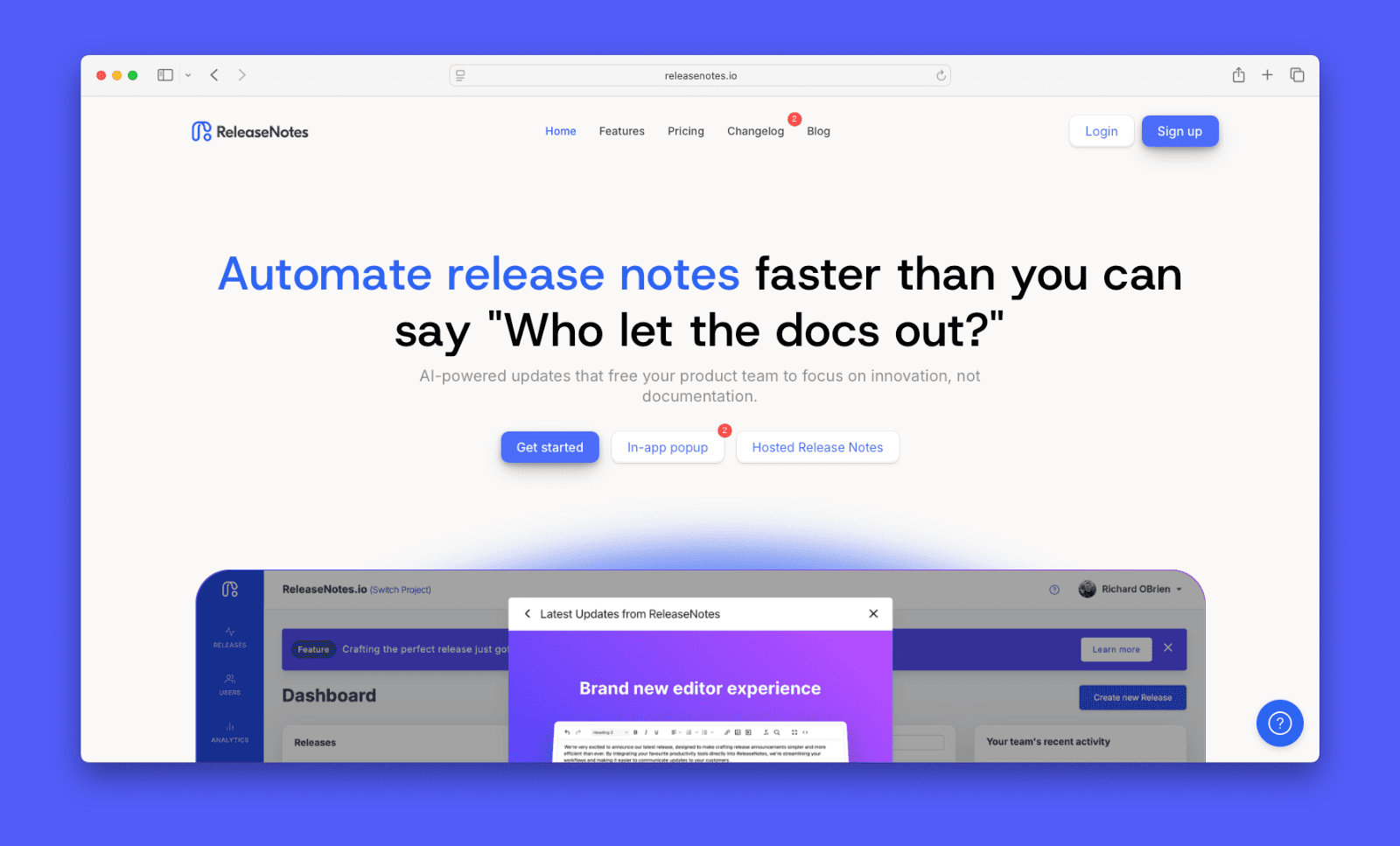
ReleaseNotes is a focused changelog tool. It does one thing: help teams publish and share product updates. There are no feedback boards or roadmap features. If you want a lightweight tool without the overhead of a full feedback platform, it’s worth considering.
Its standout feature is AI Smart Releases. It connects to Jira, GitHub, or Azure DevOps and pulls in your team’s recent activity. From there, it drafts a changelog entry for you.
Features
- Hosted changelog page
- In-app popup and banner
- AI Smart Releases (auto-drafts changelog entries by pulling activity from Jira, GitHub, or Azure DevOps)
- Email subscribers
- Private releases
- Custom domain and CSS
Pricing
ReleaseNotes has three plans, priced per project per month. Starter is free and covers a hosted page, one team member, and five releases with a 90-day history limit. Teams is $39/month and adds AI Smart Releases, in-app widgets, and email subscribers ($10 per 1,000). It includes unlimited releases, unlimited team members, and integrations. Business is $79/month and adds unlimited email subscribers, custom domain, custom CSS, and private releases.
When it’s the right choice
- You want a changelog tool without paying for feedback or roadmap features you won’t use
- Your team works in Jira, GitHub, or Azure DevOps and wants changelog entries drafted automatically
- You need private releases for internal teams or specific customer groups
When it might not be the right fit
- There are no feedback boards or roadmap features, so you can’t manage the entire feedback process
- Review data is very limited so it’s tough to gauge their customer satisfaction
- Some reviewers have noted the editing experience feels dated
- Email subscribers are an add-on cost on the Teams plan
- Getting full value requires an active integration with a dev tool. Teams without that setup won’t benefit from the core feature
Final thoughts
The right changelog tool depends on what else you need it to do. Start with the basics: does it publish and format updates the way your team works? Then think about delivery. Will users actually see those updates? Look for a tool that meets them where they are. If closing the feedback loop matters, you’ll want something that connects your changelog to your feedback board. Finally, consider how pricing scales as your team or user base grows.
You can set up a changelog for free with Canny. Plus, you’ll get access to all the tools you need to close the feedback loop.