

Canny for customer experience teams
Show your customers that you're listening
Capture every pain point, give customers a place to shape what you build, and close the loop where they can see it.
No credit card required
From pain point to public follow-through
Feedback becomes a conversation your customers can see
Hear every pain point, on every channel
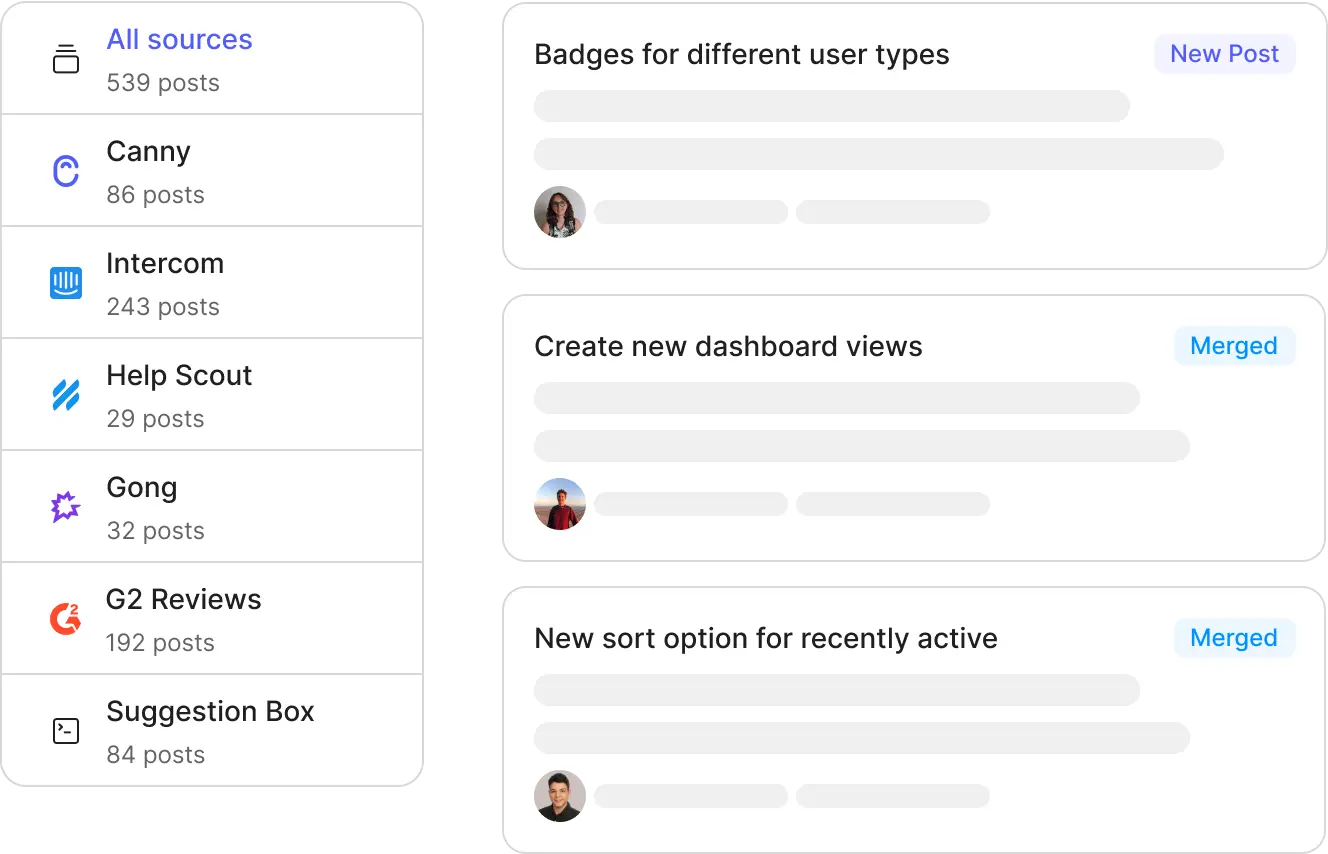
The frustration in a support thread and the two-star review both land in the same place
- Autopilot captures feedback from Intercom, Zendesk, and Help Scout conversations
- Public reviews count too, complaints outside your inbox still reach you
- Jump to the source conversation to read the customer's exact words
Give customers a seat at the table
Your customers don't want another survey. They want to see their idea move
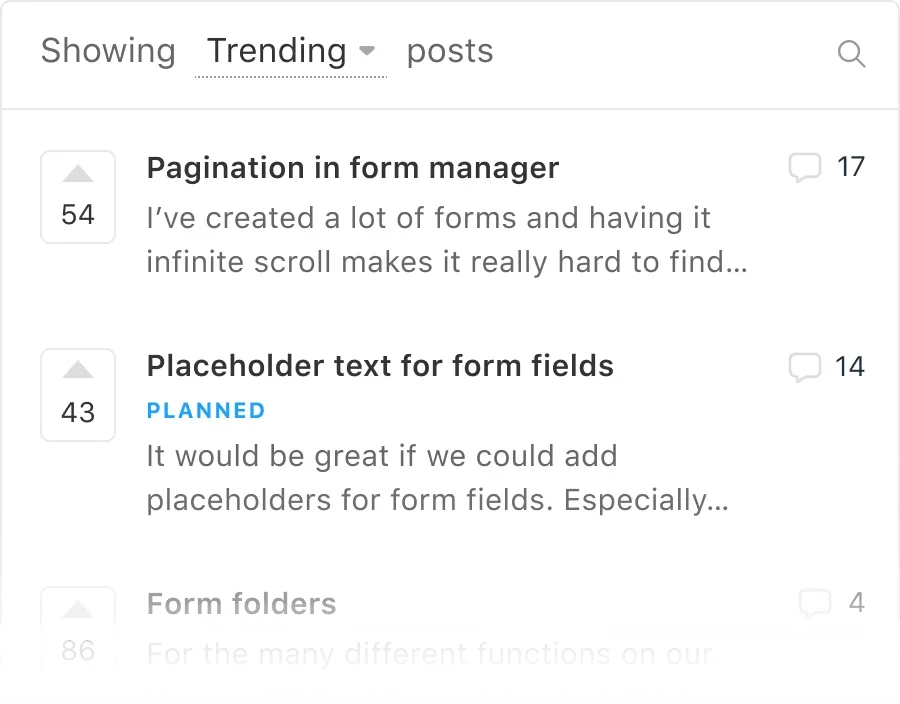
- Customers submit, vote, and discuss requests openly on your Portal
- Keep sensitive requests visible only to enterprise accounts or beta groups
- Canny Identify signs customers in from your product, no new account needed
Cut repeat tickets, keep the conversation
When customers can find, follow, and track requests, they stop writing in to ask
- Customers find the existing request instead of filing a duplicate ticket
- Following a request replaces the "any update on this?" email
- The public roadmap answers "is this coming?" before it reaches your queue
Respond to everyone, even at scale
Nobody's feedback should sit unanswered because your team ran out of hours
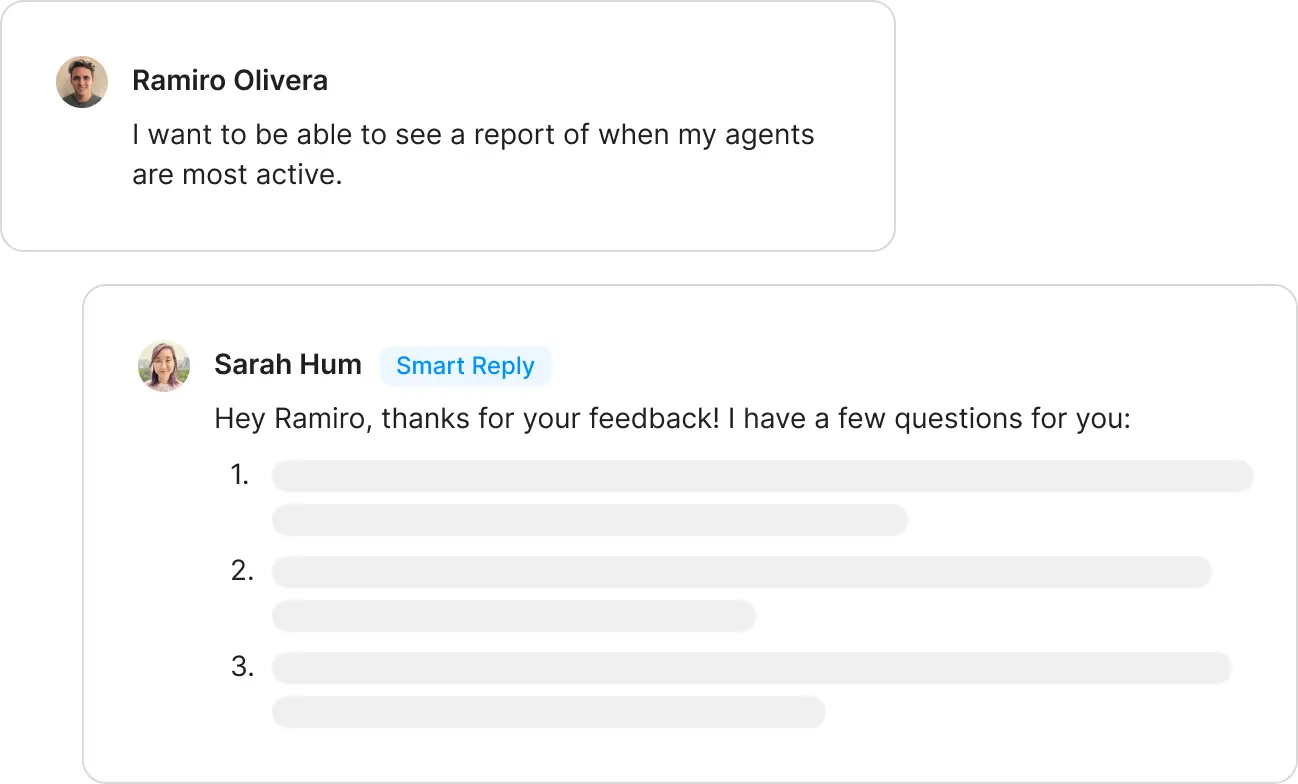
- Smart Replies drafts responses to customer feedback for your team to review and send
- Comment Summaries condenses long discussion threads into the key points
- Spend your time on the conversations that need a human, not the routine ones
Close the loop where customers can see it
Someone voted two years ago. The day it ships, they hear from you
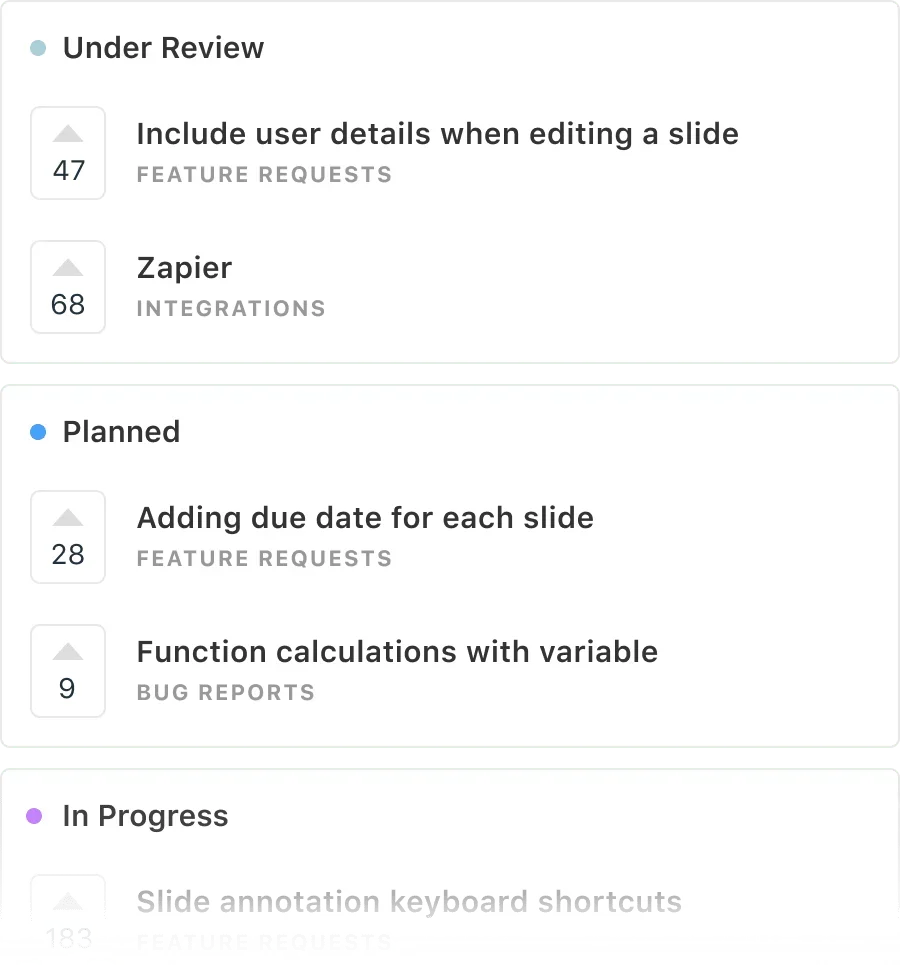
- Statuses move in public, from under review to planned to shipped
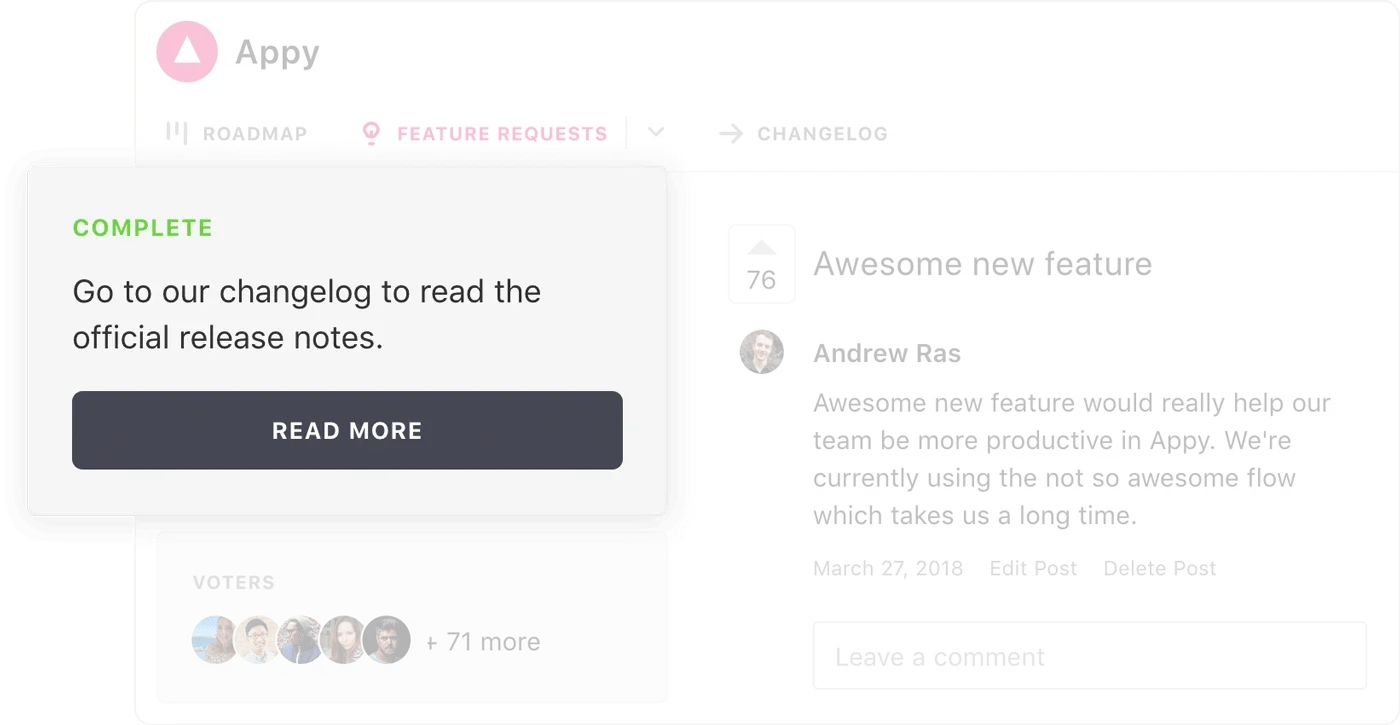
- Changelog announcements reach everyone following a request
- Even customers who left get notified, and shipped features bring some back
The best B2B teams build with customer evidence






What customer experience leaders say about Canny
Missive cut support load with a public Portal
“As soon as we came across Canny, it clicked for us. Canny really changed the game and reduced the amount of support we had to do.”
 Philippe LehouxCo-founder and CEO, Missive
Document360 builds trust with their public roadmap
“Our Canny roadmap is public, so the whole world can see what we're building. It adds credibility and instills trust.”
 Saravana KumarFounder, Document360
Hapily keeps customers engaged and invested
“As long as customers continue to be engaged, we know they're invested in the success of the product.”
 Ryan HuffCOO, CTO, and CPO, Hapily
Frequently asked questions
Where does Canny capture feedback from?
Autopilot reads support conversations in Intercom, Zendesk, and Help Scout, plus public reviews. It extracts pain points and feature requests, merges duplicates, and keeps a link to the original conversation so you can read the customer's exact words.
Who can see your feedback?
You control it. Make your Portal public for your whole community, keep some requests private for internal use, and use segment controls so only specific customers see certain feedback, like enterprise accounts or a beta group.
Do customers need another account to participate?
No. Canny Identify signs customers in through your product, so submitting and voting feels like part of your experience rather than a third-party site.
Can we control what customers see?
Yes. Feedback stays internal in Canny Ideas until you choose to share it, visibility is public or private per your settings, and status syncing between your internal workspace and the Portal is opt-in. Nothing goes public by accident.
Does Canny replace our support tool?
No. Canny works alongside Zendesk, Intercom, and Help Scout: Autopilot captures the feedback inside those conversations, and your Portal absorbs the repeat "is this coming?" tickets. Your support team keeps their tools.
Make feeling heard part of your product
Launch a Portal, capture every pain point, and close the loop in public. Setup takes minutes.