

Every product team needs a roadmap. The hard part is picking the right tool to build it.
Most start with spreadsheets or slide decks. Those work for a while. Then the roadmap goes stale. Stakeholders stop checking it, and nobody trusts the plan anymore. Dedicated roadmap tools fix this by keeping your plan alive and shareable.
Some tools help you display a plan. Others help you figure out what belongs on it. That second part requires customer feedback, prioritization data, and a way to close the loop. The tool you pick depends on which problem you care about most.
We compared 13 product roadmap tools on pricing, features, and feedback integration. Here’s what we found.
Key takeaways
Here’s a quick overview of the tools we’ll cover:
- Canny — Connects customer feedback with revenue impact directly to your roadmap. AI-powered feedback capture pulls from support and sales tools automatically.
- Productboard — Customer-driven product management with feedback portals, prioritization scoring, and flexible roadmap views.
- Aha! Roadmaps — Enterprise product planning with deep strategy-to-execution alignment. The most feature-rich tool on this list.
- Jira Product Discovery — Atlassian’s discovery tool for teams already running on Jira Software.
- airfocus — Modular product management platform with strong prioritization frameworks and customizable workspaces.
- Linear — Fast, developer-loved issue tracker with newer roadmap and initiative features.
- Pendo — Product analytics and in-app guidance platform. Feedback and roadmapping come as part of a broader engagement suite.
- ProductPlan — Clean, shareable timeline roadmaps built for stakeholder communication.
- UserVoice — Enterprise feedback management with Salesforce integration and revenue-linked prioritization.
- Tempo Strategic Roadmaps — Presentation-ready roadmaps with strong Jira integration. Formerly known as Roadmunk.
- ProdPad — Outcome-focused product management with modular roadmap, idea, and feedback tools.
- Craft.io — Strategic product management with OKR-to-feature traceability and 12+ built-in prioritization frameworks.
- Visor — Lightweight visualization layer with the deepest two-way Jira sync on this list.
How we evaluated these tools
Not every roadmap tool solves the same problem. Some help you decide what to build. Others help you present what you’ve already decided. We looked at five things that expose those differences.
Roadmap visualization and sharing
Different audiences need different views. Your engineering team wants sprint-level detail. Executives want a quarterly overview. Customers want to know what’s coming next.
We checked for format variety. That means timeline, kanban, now/next/later, swimlane, and portfolio views. We looked at whether you can tailor views per audience and share them publicly or privately.
Prioritization
A roadmap without prioritization is a wish list. We looked for scoring frameworks like RICE and weighted scoring. We checked for revenue-based prioritization, customer segmentation, and team voting features.
Can this tool give you a defensible reason for every item on the roadmap? That matters more than a pretty drag-and-drop interface.
Feedback integration
A useful roadmap reflects what customers need. We checked how each tool collects input. That includes dedicated feedback boards, in-app surveys, support tool integrations, and AI-powered capture. We paid attention to whether feedback flows into the roadmap on its own or takes manual work.
We gave extra credit to tools that close the loop. If a customer requests a feature, they should hear about it when you ship it.
Integrations and workflow fit
No roadmap tool works in isolation. We checked connections to PM tools, support tools, and CRMs. That means Jira, Linear, Zendesk, Intercom, Salesforce, and HubSpot. Two-way sync matters more than one-way data pushes. Duplicating work across systems defeats the purpose.
Pricing and scalability
Price matters. How that price scales matters more. We checked whether important features hide behind top-tier plans. We looked at how pricing works and what happens to your bill as your team grows. We verified all pricing from official pricing pages.
Canny
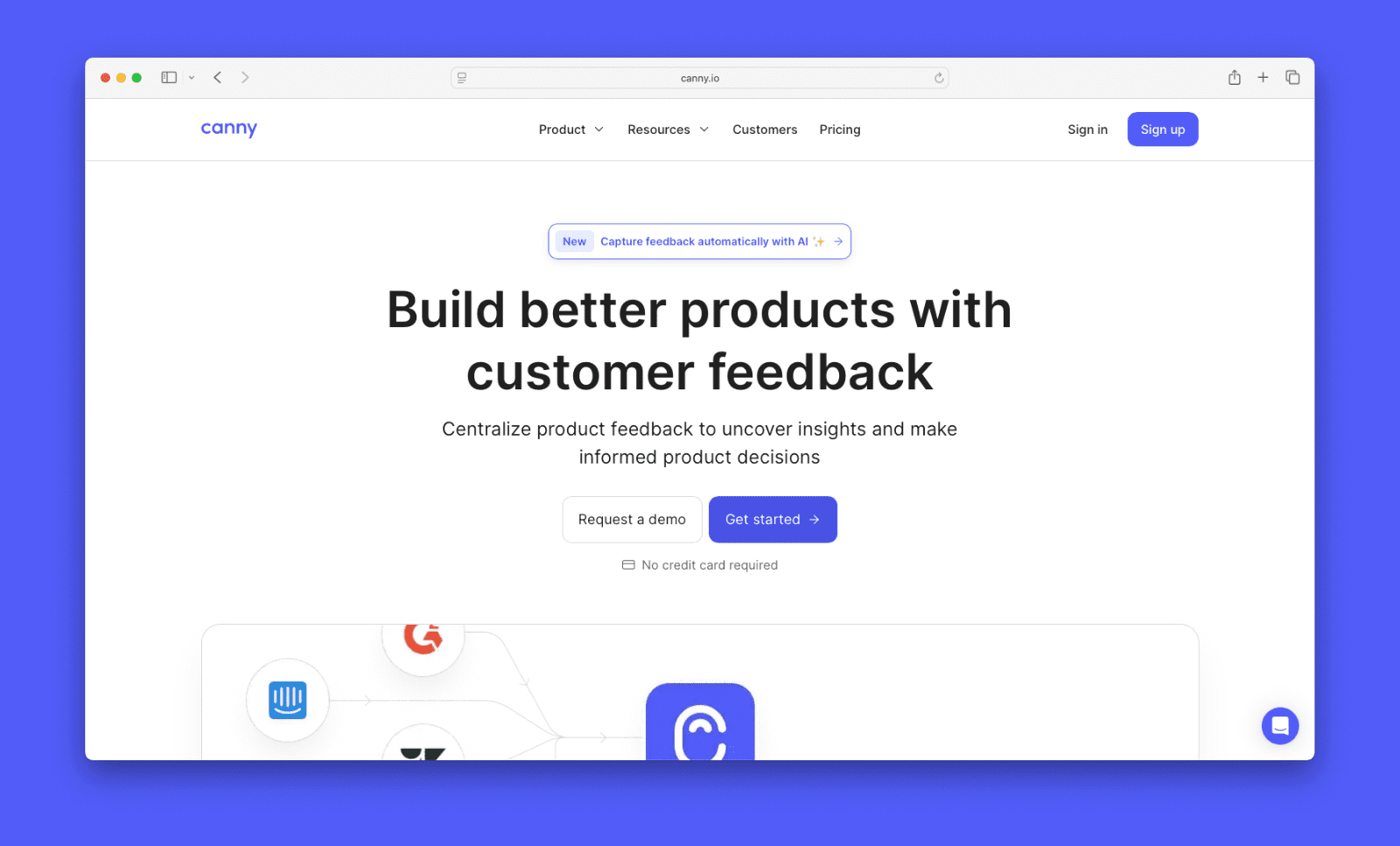
Canny is a feedback management platform with built-in roadmapping and a changelog tool. It covers the full product feedback loop. That means collecting customer feedback, prioritizing what to build, and communicating what shipped. It’s easy to use, and helps you build a roadmap informed by actual feedback with revenue impact.
Features
- Internal roadmap with scoring — flexible prioritization feature helps teams prioritize posts using any model including RICE, Impact/Effort, and more. Admin-only and never visible to end users
- Shareable roadmap views — save filtered views of the internal roadmap and share them as read-only links with any stakeholder
- Public roadmap — customer-facing board that updates automatically as post statuses change and notifies followers by email
- Revenue-based prioritization — weight requests by the MRR of customers who asked for them
- Public feedback board with proxy voting — customers submit and upvote requests directly, and teammates can submit votes on their behalf
- AI feedback capture (Autopilot) — automatically pull feedback from Intercom, Zendesk, Gong, and other tools into Canny
- Customer segmentation — filter feedback and votes by company, plan, or custom attributes
- Jira, Linear, GitHub, and Azure DevOps integrations — two-way sync pushes prioritized items to your dev workflow and reflects status changes back in Canny
Pricing
All Canny plans come with at least one roadmap (including the Free plan). The Free plan supports up to 25 tracked users and includes unlimited Autopilot feedback discovery. Paid plans are billed yearly and start at $19/month. At least 5 admin seats are included on all plans, and contributor seats are unlimited.
When it’s the right choice
- You want feedback connected to your roadmap — Canny links customer requests directly to roadmap items, so prioritization reflects real demand
- You want AI feedback capture without a premium add-on — Autopilot is included on the free plan
- Revenue matters in your prioritization — weight requests by the MRR of customers who asked for them
- You communicate your roadmap publicly — the public boards, roadmaps, and changelogs are built for transparency
- Your want your whole team to have access — contributors don’t need paid seats
- You want a cost-effective solution — you can build a roadmap on our Free plan, and paid plans start at $19 a month

When it might not be the right fit
- You need deep project management — Canny integrates with Jira, ClickUp, and Linear for sprint and engineering workflows, but doesn’t manage them directly
- You’re on a large Jira-centric team — tools like Jira Product Discovery or Visor may fit better into an existing Atlassian workflow
- You need Gantt or timeline views — Canny’s roadmap uses a kanban-style format, not a timeline
Productboard
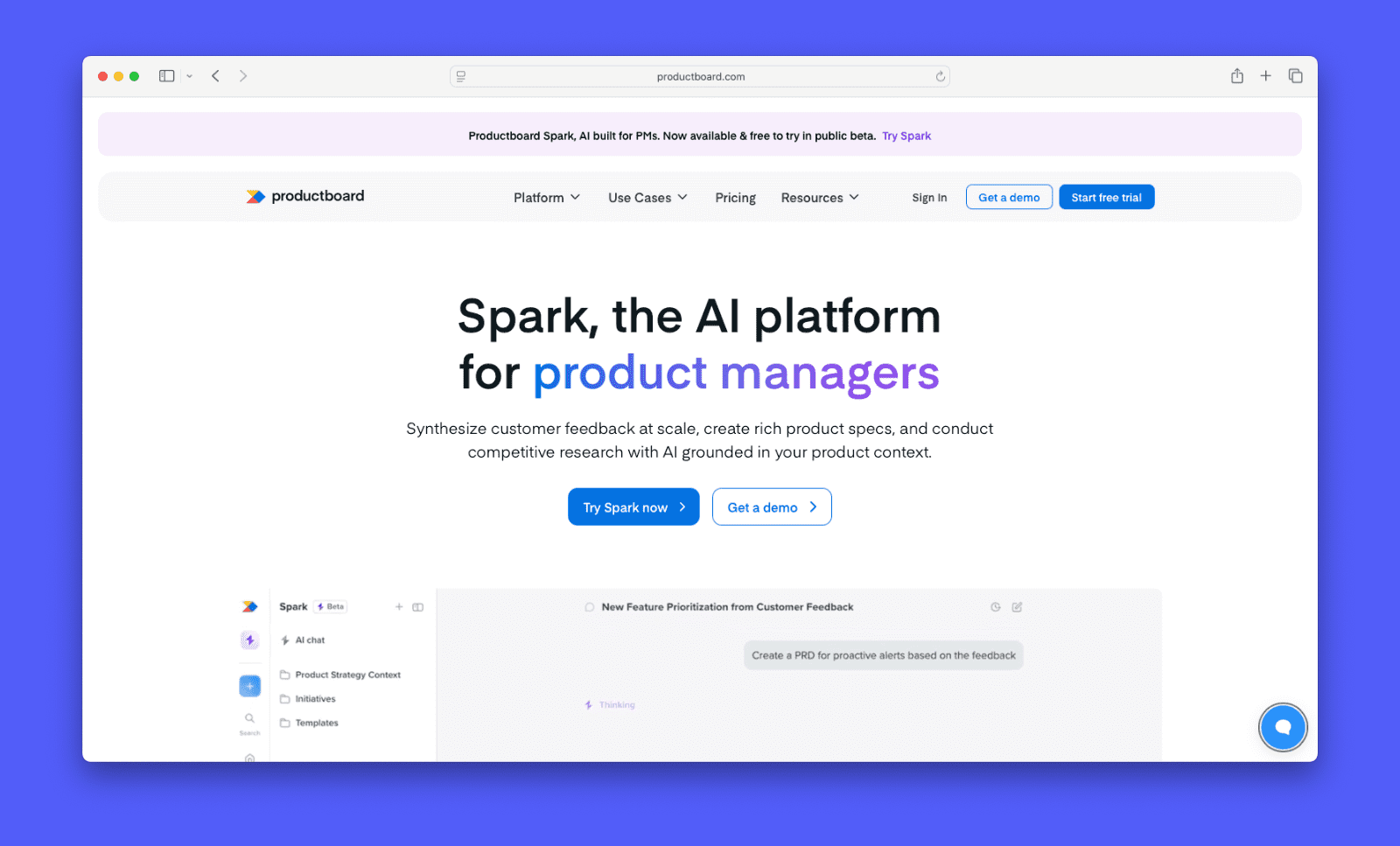
Productboard is a product management platform built around customer feedback. It helps product teams collect feedback, prioritize features, and build roadmaps. Its main strength is connecting what customers say to what your team builds next.
Features
- Feedback portal — collect customer input through a public or private portal
- Insights board — organize feedback from Slack, Zendesk, Intercom, and email in one place
- Weighted scoring — prioritize features using customizable scoring criteria
- Multiple roadmap views — timeline, kanban, and release-based layouts for different audiences
- Customer segmentation — filter feedback by audience, plan type, or company size
- Jira, Azure DevOps, GitHub, Slack, and Salesforce integrations
- Spark AI add-on — generate product briefs, summaries, and competitive analysis using a credit-based model
Pricing
Productboard charges per maker per month. A free Starter plan covers some of the basics. Essentials runs $19/maker/month. Pro runs $59/maker/month. Enterprise pricing is custom. A five-person team on Pro pays $295/month.
Spark AI is an add-on at $19/maker/month with a credit-based usage model.
When it’s the right choice
- You invest heavily in customer research — feedback flows from collection into planning without switching tools
- You need audience-specific roadmaps — multiple views let you tailor what executives, engineers, and customers each see
- You want built-in prioritization — weighted scoring helps you rank features by impact and effort
- You have budget and patience for setup — the tool rewards teams that take time to configure it
When it might not be the right fit
- Setup takes real effort — the tool has a lot of configuration options, and teams often spend the first few weeks just getting it set up
- Cost grows with your team — the Pro plan at $59/maker/month adds up as you bring on more people
- AI is an add-on — Spark features cost extra rather than being included in the base plans
- Feedback portal is gated — you need the Pro plan to unlock it, putting a core feature behind a higher tier
- Roadmap customization feels limited — views can be rigid compared to tools that let you build layouts from scratch
Aha! Roadmaps
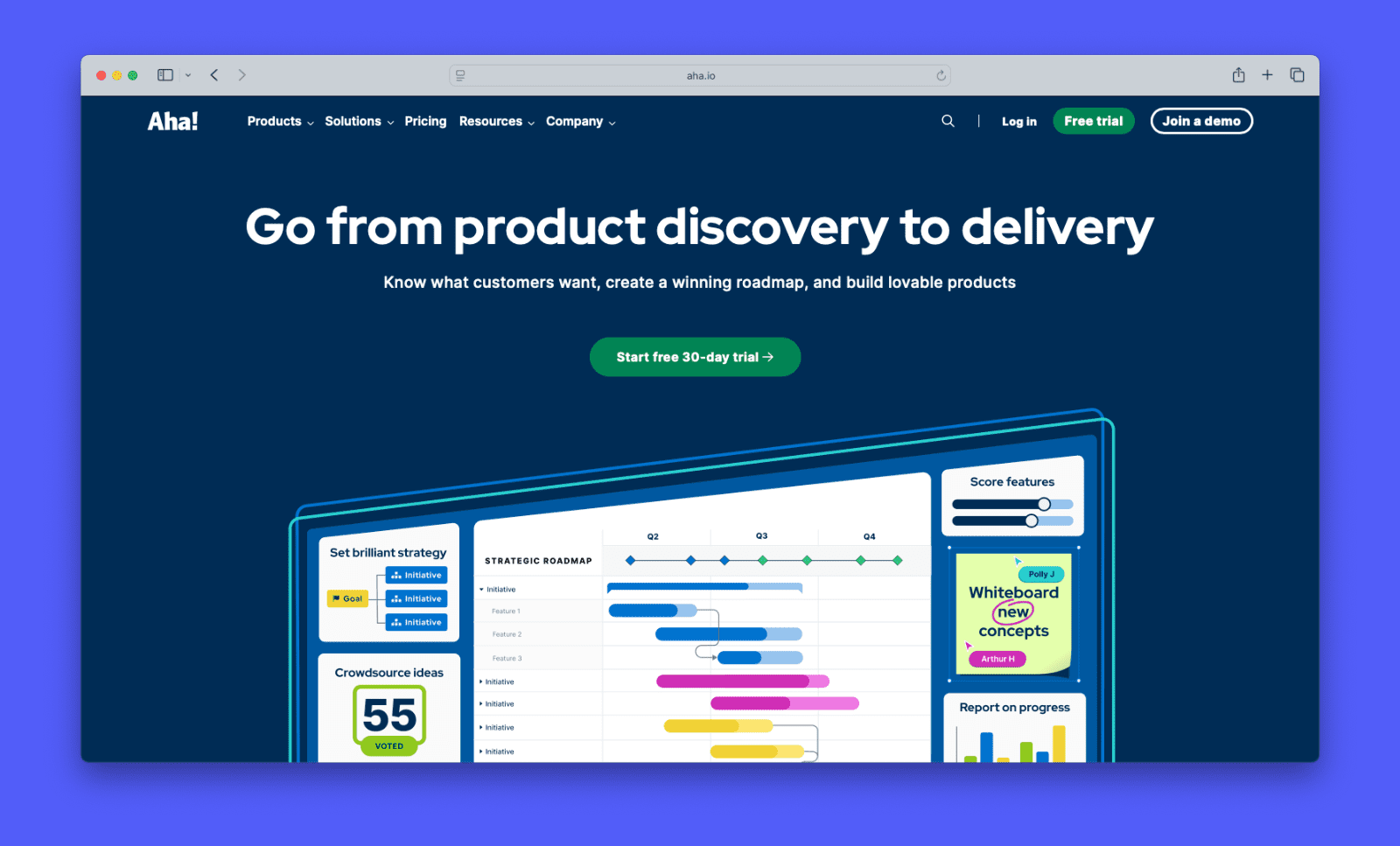
Aha! is a feature-rich product management platform. It covers strategy, roadmapping, idea management, whiteboards, and knowledge bases across separate products. It’s built for mid-to-large product teams. The goal: connect high-level company goals to the features your team ships.
Features
- Visual roadmaps — timeline, list, and custom views to communicate plans at different levels of detail
- Strategy model — link company goals and initiatives directly to features on the roadmap
- Idea portals — collect customer feedback with voting. Advanced features like AI analysis and custom domains require the Ideas Advanced add-on.
- Release management — track dependencies and plan releases across teams
- Whiteboards — brainstorm and map concepts visually. Included in all Roadmaps plans.
- Knowledge base — product documentation included in all Roadmaps plans
- 30+ integrations including Jira, Azure DevOps, Slack, and Salesforce
- 24/7 customer support with typical response times under two hours
Pricing
Aha! charges per user per month. Roadmaps Premium starts at $59/user/month on an annual plan. Enterprise runs $99/user/month. Enterprise+ costs $149/user/month. Advanced add-ons for Ideas, Whiteboards, and Knowledge each cost extra on top. Aha! applies a 3% annual price increase.
When it’s the right choice
- You need strategy-to-execution alignment — connect company goals to feature-level roadmap items across multiple products
- You manage a large portfolio — dependency tracking and release planning keep complex programs on track
- You want a robust platform — roadmapping, feedback, whiteboards, and docs all live under one roof
When it might not be the right fit
- Advanced feedback costs extra — the basic idea portal is included, but AI analysis and custom domains require the Ideas Advanced add-on
- The UI overwhelms new users — there’s simply a lot of it; many reviewers describe the first two weeks as a steep climb through menus and modules
- The interface feels dated — the design lags behind newer tools like, Canny, Linear, or airfocus
- Feedback and roadmapping aren’t unified by default — separate product modules mean combining tools rather than using one
Jira Product Discovery
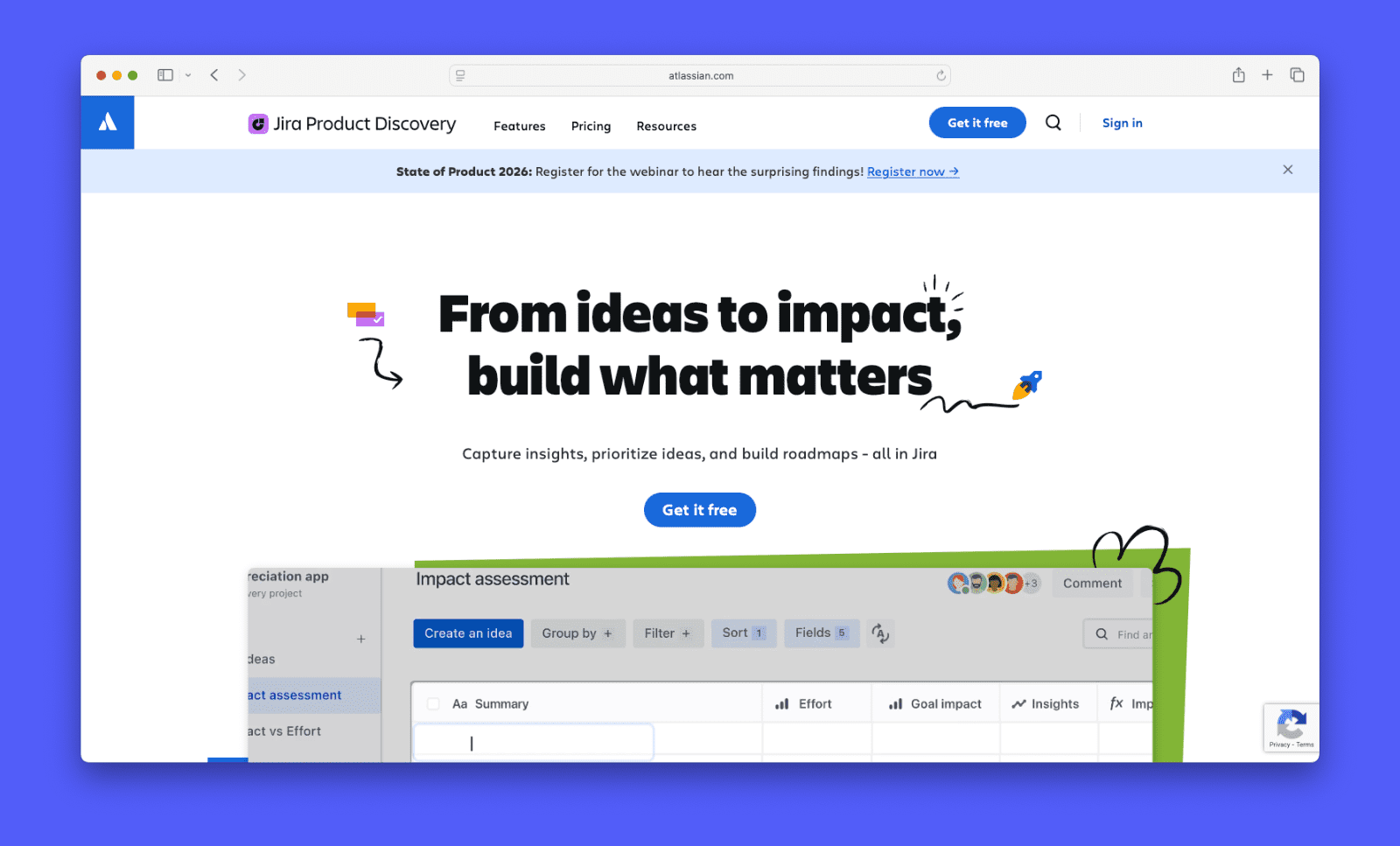
Jira Product Discovery is Atlassian’s tool for product discovery and prioritization. It connects product ideas to engineering work in Jira Software. They’re designed for internal portfolio visibility, not customer-facing communication. This tool makes sense for teams already using Jira that want a connected ecosystem.
Features
- Cross-project roadmaps — portfolio-level view across multiple product teams (Premium only)
- Idea management — collect, organize, and score product ideas in a central board
- Multiple views — list, matrix, and board layouts for organizing and prioritizing ideas
- Custom fields and formulas — build scoring models to rank initiatives
- Jira issue linking — connect ideas directly to epics, stories, and tasks in Jira Software
- Contributor access — unlimited free contributors on all plans
- AI features — summarize insights and suggest groupings (Premium only)
Pricing
Jira Product Discovery charges per creator and is billed separately from Jira Software. The free plan covers up to three creators. Standard runs $10/creator/month. Premium runs $25/creator/month and adds roadmap views, cross-project visibility, AI features, and 24/7 support. A 10-person team on Premium pays $250/month on top of existing Jira Software costs.
When it’s the right choice
- Your team already runs on Jira — ideas link directly to epics and issues with no manual syncing
- You need discovery and delivery connected — no switching between a planning tool and a dev tracker
- You manage multiple product teams — Premium roadmaps give leadership a unified portfolio view
- Contributors stay free — stakeholders can view and submit ideas without adding to your seat count
When it might not be the right fit
- Roadmaps require Premium — the core roadmapping feature is gated behind the higher tier
- It’s a second Atlassian bill — JPD is priced separately from Jira Software, so costs stack
- No customer-facing features — no public feedback board, changelog, or public roadmap on any tier
- Limited integrations — meaningful connections outside Jira, Confluence, and Jira Service Management are few
- Dated UI — Jira’s design isn’t as modern and intuitive as newer products
airfocus
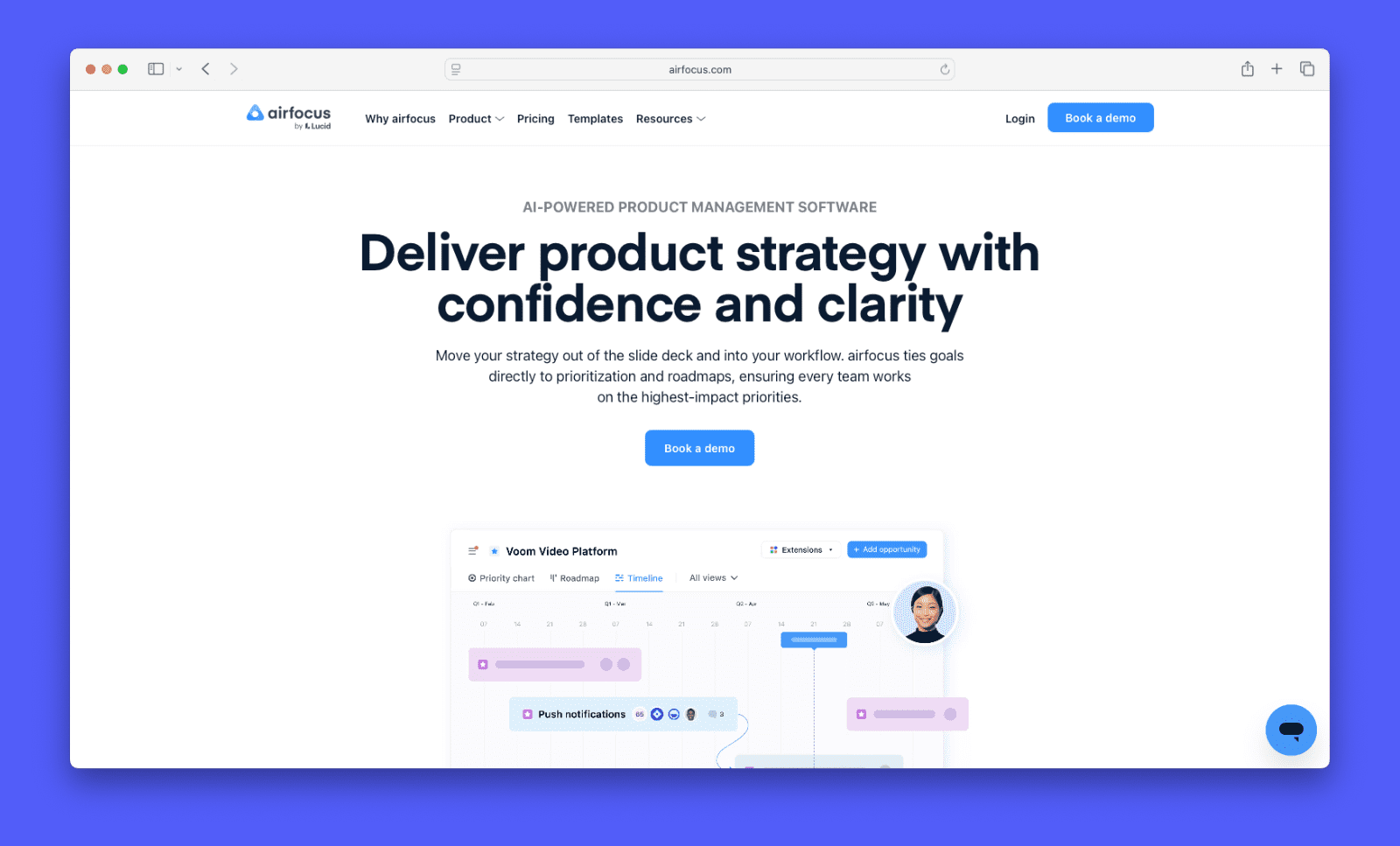
airfocus is a modular product management platform. Teams can configure their own workflows, views, and scoring systems. Its roadmaps update dynamically as priorities change.
Features
- Dynamic roadmaps — timeline, kanban, table, and chart views built from your priority data
- Shareable views — share roadmaps with unlimited viewers via secure URL
- Prioritization frameworks — built-in RICE, Value vs. Effort, ICE, Kano, and custom scoring models
- Priority Poker — live collaborative scoring sessions to build team consensus
- Prioritization matrix — plot features against customizable axes to visualize tradeoffs
- Feedback portal — collect and organize customer input linked to your backlog
- Integrations — Jira, Azure DevOps, Trello, Asana, Slack, Intercom, Salesforce, and Zapier
Pricing
airfocus offers two plans: Professional and Enterprise. Pricing is no longer listed publicly. Both plans require contacting sales. Third-party sources estimate $59/editor/month as a starting point. No free trial is available. You can book a demo to explore the platform first.
When it’s the right choice
- You want to build your own workflow — the modular setup adapts to your process
- Prioritization is your main challenge — custom scoring frameworks go deeper than most tools
- Your team is EU-based — airfocus hosts data in the EU for GDPR-sensitive organizations
- You manage multiple products — workspace flexibility scales across complex portfolios
When it might not be the right fit
- No public pricing — you can’t evaluate cost without talking to sales first
- No free trial — you have to book a demo before getting hands-on
- Feedback tools are lighter — the portal lacks the depth of dedicated feedback tools
- Smaller integration ecosystem — fewer native connections than some alternatives on this list
Linear
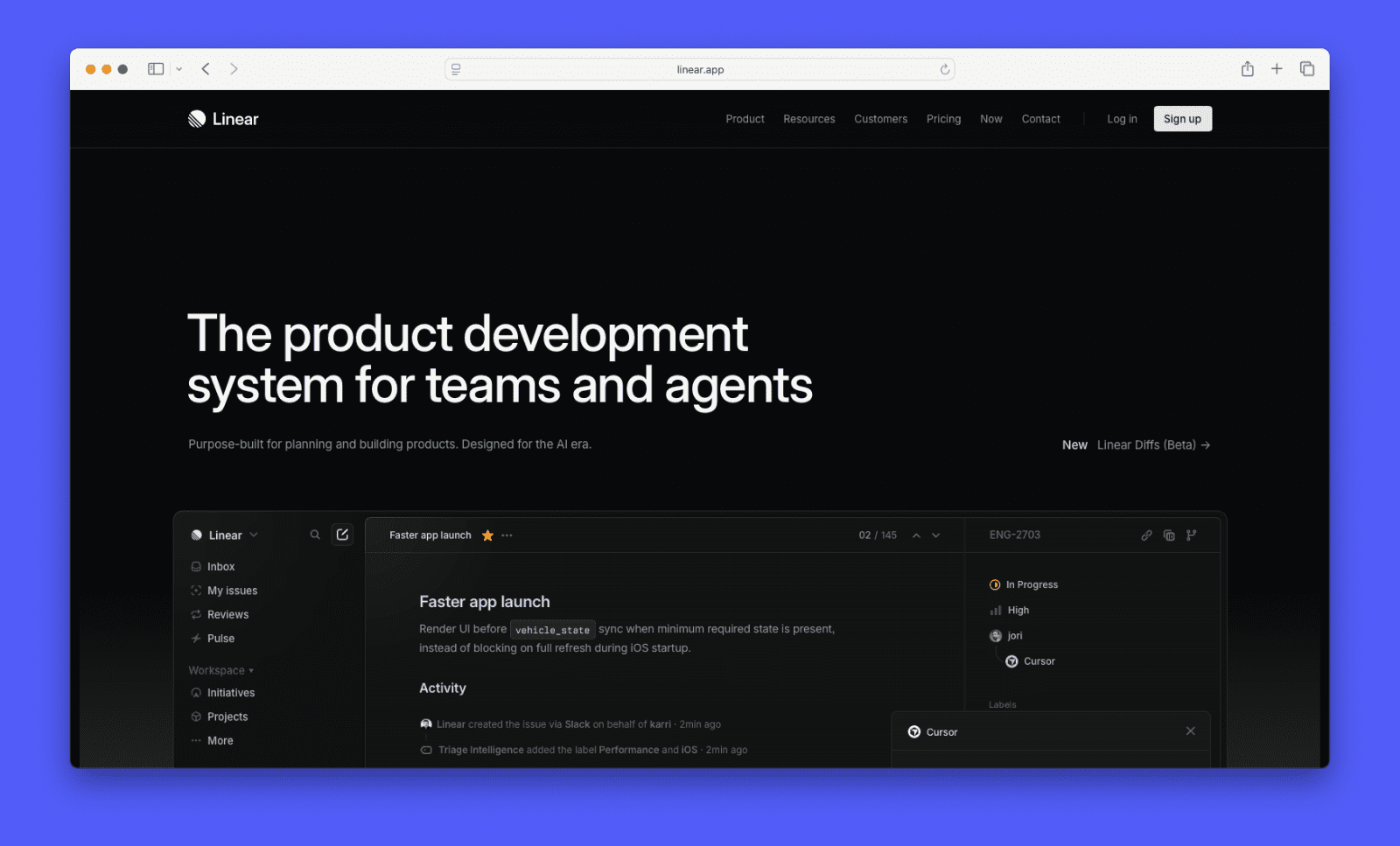
Linear is a project management tool built for speed and developer workflows. It covers issue tracking, sprints, roadmaps, and initiatives in one place. Engineering-led teams use it to move fast without the overhead of a dedicated product management platform.
Features
- Issues, cycles, and projects — core workflow tracking with sprints and milestones
- Initiatives — group projects under strategic goals to show cross-team progress
- Roadmap views — timeline visualization across projects and initiatives
- Customer requests — link inbound requests to issues without a public feedback board
- Triage Intelligence — AI-assisted issue routing and prioritization (Business)
- Linear Asks — capture requests from Slack and email and route them to the right team (Business)
- Linear Insights — analytics on team output, cycle time, and progress (Business)
- Integrations — GitHub, GitLab, Figma, Slack, Zendesk, Intercom, Salesforce, and more
Pricing
Linear offers four plans. Free supports unlimited members with 250 active issues. Basic is $10/user/month, billed annually, and removes issue limits. Business is $16/user/month and adds Triage Intelligence, Linear Asks, Insights, and support integrations. Enterprise pricing requires contacting sales.
When it’s the right choice
- You’re an engineering-led team — Linear is built for speed with minimal overhead
- Issue tracking and roadmapping belong together — no context switching between separate tools
- You use a dedicated feedback tool like Canny — Linear connects to external tools for feedback management
- GitHub is central to your workflow — the native integration is one of the tightest in the category
When it might not be the right fit
- You need a public feedback board — Linear has no native option
- You need a customer-facing roadmap — there’s no native public roadmap feature
- Customer feedback is central to your prioritization — the requests feature is lightweight
- You’re a non-technical product team — the tool’s design skews toward engineers
Pendo
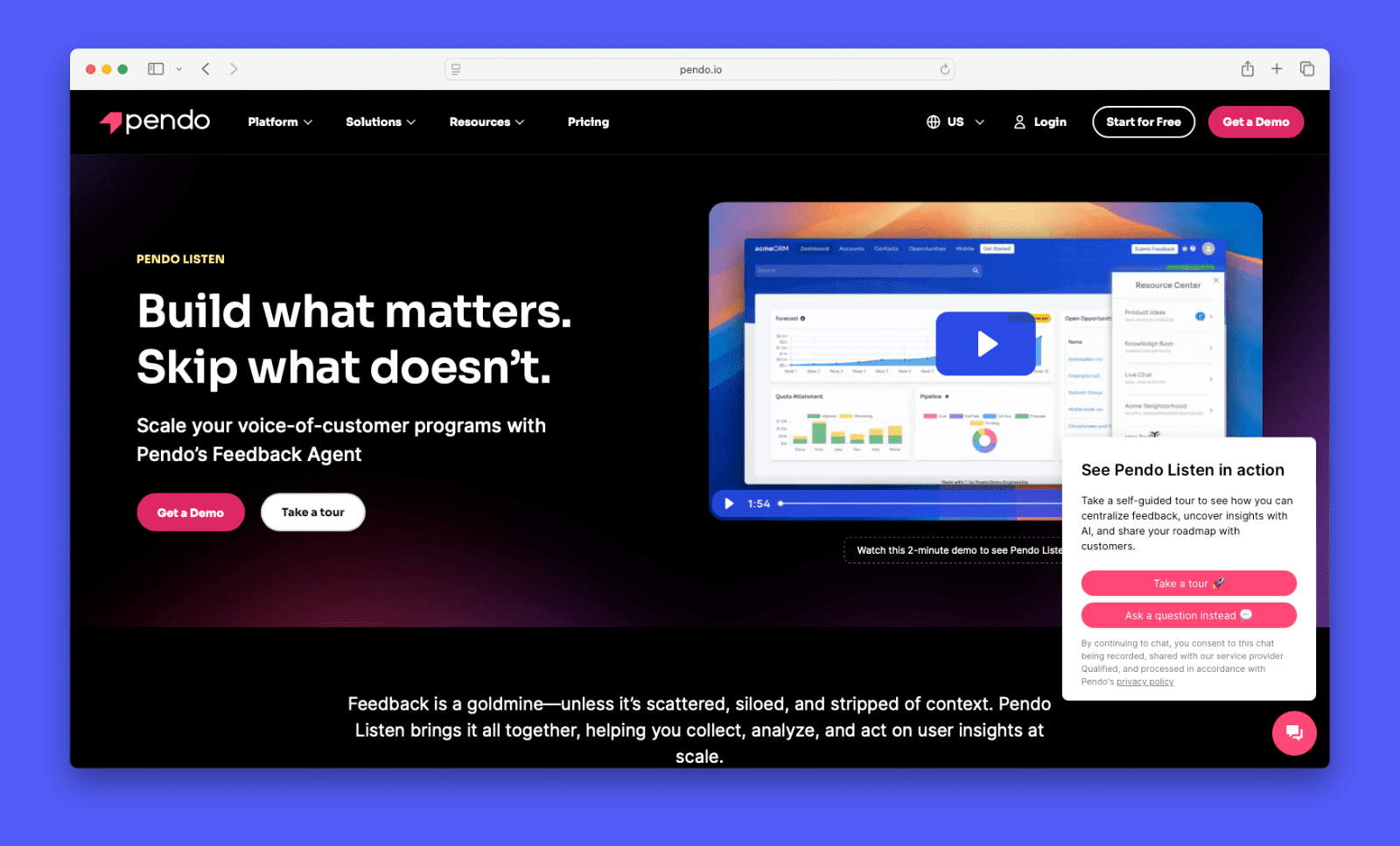
Pendo is a product experience platform built around analytics, in-app guidance, and user feedback. It’s designed for mid-market and enterprise teams. Roadmapping is part of Pendo Listen, its product discovery suite, rather than the core product.
Features
- Product analytics — track feature adoption, retention, and user behavior across your product
- Roadmaps — timeline and now/next/later views, internal only (no customer-facing sharing yet)
- Pendo Listen — collect and AI-analyze feedback, validate ideas, and link insights to your roadmap
- In-app guides — build onboarding flows, tooltips, and announcements without code
- Session replay — watch recordings of real user sessions to surface friction points
- NPS and surveys — run in-app surveys and net promoter score programs
- Idea validation — present options to users in-app and collect votes to prioritize features
- Integrations — Salesforce, Zendesk, HubSpot, Jira, Slack, and 85+ other tools
Pricing
Pendo offers five plans: Free, Base, Core, Pulse, and Ultimate. The free plan supports up to 500 monthly active users (MAUs). Paid plans are priced by MAUs and are not listed publicly. Vendr data puts average annual spend around $47,000. Pendo Listen, which includes roadmaps and feedback tools, is included in Pulse and above or available as an add-on.
When it’s the right choice
- Deep behavioral analytics matter — Pendo combines usage data, feedback, and roadmapping in one platform
- In-app onboarding is already part of your workflow — feedback and product data stay in the same place
- Idea validation is core to your process — present options to real users in-app before committing to build
When it might not be the right fit
- You need a customer-facing roadmap — Pendo’s roadmaps are currently internal only
- You need a public feedback board — Pendo Listen is not built for that
- You’re a small team — pricing starts high and scales by MAU, making it expensive early on
- You want roadmapping as your primary tool — Pendo is analytics-first, and roadmaps are secondary
ProductPlan
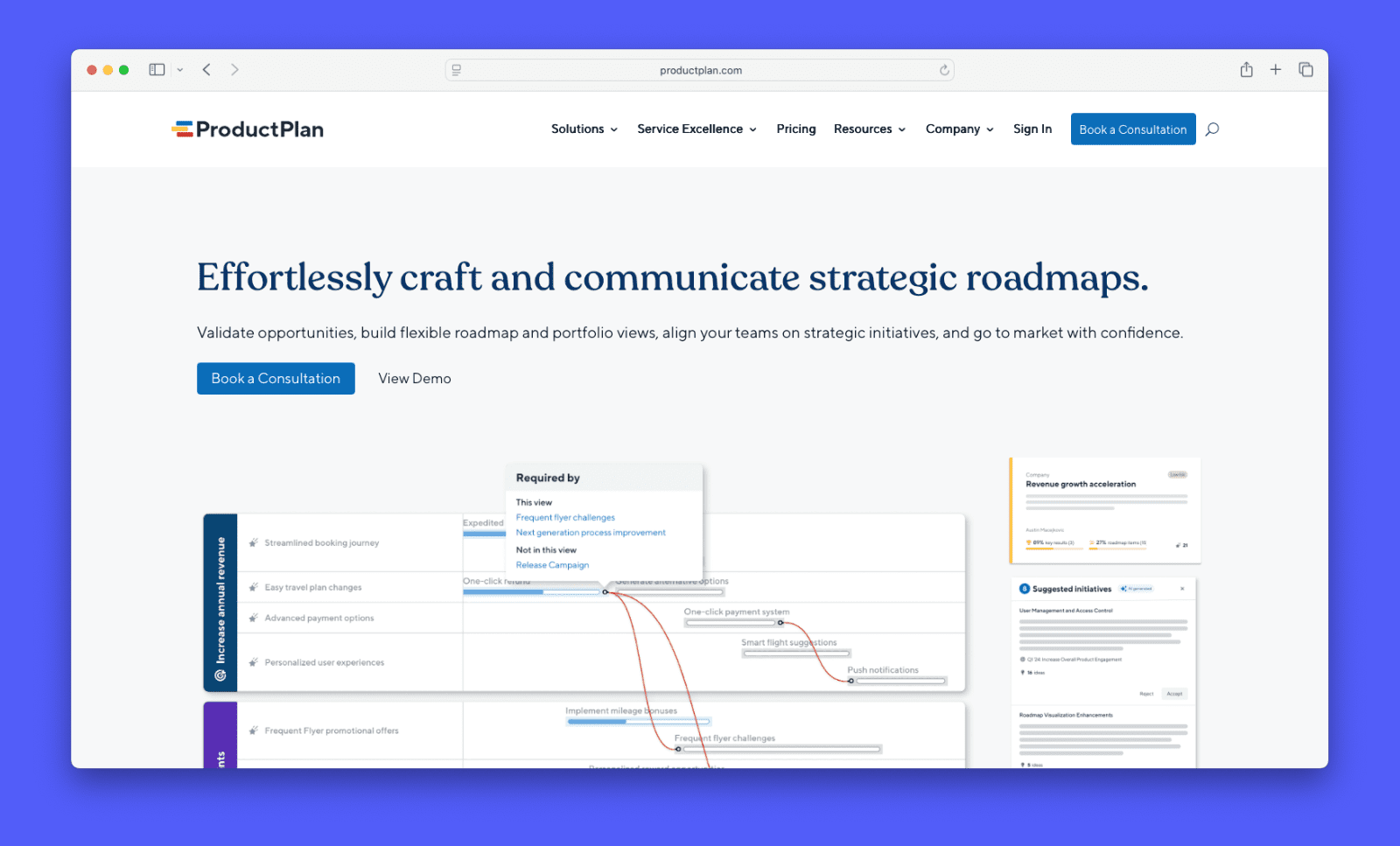
ProductPlan is a roadmap visualization tool for product teams. It includes a basic discovery feature for capturing ideas internally, but has no public feedback board. Its core strength is making roadmaps easy to build, share, and present to different audiences.
Features
- Drag-and-drop timeline roadmaps — build and adjust visual roadmaps without technical setup
- Multiple roadmap views — timeline, list, and portfolio views for different audiences
- Portfolio view — merge multiple roadmaps into a single master plan for cross-team visibility
- Prioritization board — score and rank initiatives using customizable criteria
- Idea capture and discovery — collect and organize opportunities in a central repository (no public board or customer voting)
- Roadmap versioning — create tailored versions of the same roadmap for different stakeholders
- Integrations — Jira, GitHub, Trello, Confluence, Slack, Azure DevOps, and Zapier
Pricing
ProductPlan moved to fully custom pricing in mid-2024. No plans or figures are listed publicly. All pricing requires a sales consultation. The last publicly listed prices were $49/editor/month for Basic and $89/editor/month for Professional, billed annually.
When it’s the right choice
- Stakeholder communication is your main challenge — roadmaps are easy to build and tailor for different audiences
- You need portfolio visibility — the master plan view merges multiple roadmaps in one place
- Your team prioritizes ease of use — ProductPlan has one of the lower learning curves in this category
- Unlimited viewer access matters — sharing with execs and stakeholders costs nothing extra
When it might not be the right fit
- You need a public feedback board — the discovery feature is a manual internal repository, not a customer-facing tool
- Pricing is opaque — there are no public figures and the only way to get a number is a sales call
- You want a free trial — ProductPlan offers a guided evaluation only, not self-serve access
- You need a changelog — there is no native way to communicate what shipped to customers
UserVoice

UserVoice is a feedback management platform for mid-market and enterprise teams. It connects customer feedback to your roadmap and helps prioritize by business impact. It’s one of the most established tools in the category, with over 20 years in the market.
Features
- Public feedback portal — customers submit, vote on, and follow feature requests in one place
- Proxy voting — internal teams submit votes on behalf of customers
- Roadmap — kanban-style view, shareable publicly or internally via URL
- Revenue-based prioritization — weight requests by customer ARR, segment, or plan tier
- Customer segmentation — filter and analyze feedback by account type, spend, or NPS
- CRM integrations — log feedback directly from Salesforce and HubSpot records
- In-app widget — capture feedback from inside your product without redirecting users
- Status updates and notifications — automatically notify voters when a feature ships
Pricing
UserVoice starts at $16,000/year. Pricing scales with feedback volume and integrations, not seat count. All plans include unlimited internal users. A 30-day trial is available after a demo.
When it’s the right choice
- Revenue-based prioritization matters — feedback is weighted by ARR, account tier, or segment
- Your CS and sales teams generate most feedback — proxy voting and CRM integrations keep data centralized
- You need a proven enterprise platform — UserVoice has 20+ years in the category with a strong implementation track record
- Closing the feedback loop at scale is a priority — automated notifications go to every voter when a feature ships
When it might not be the right fit
- You’re an early-stage team — $16,000/year is a significant commitment before product-market fit
- You need a visual roadmap — the kanban view is basic compared to dedicated roadmap tools
- There’s no self-serve path — no free plan, no public pricing, and a demo is required before you can trial
- Setup time is a constraint — onboarding typically takes four to six weeks with guided implementation
- You want an easy-to-use tool — many users report that Uservoice can be difficult to work with

Tempo Strategic Roadmaps
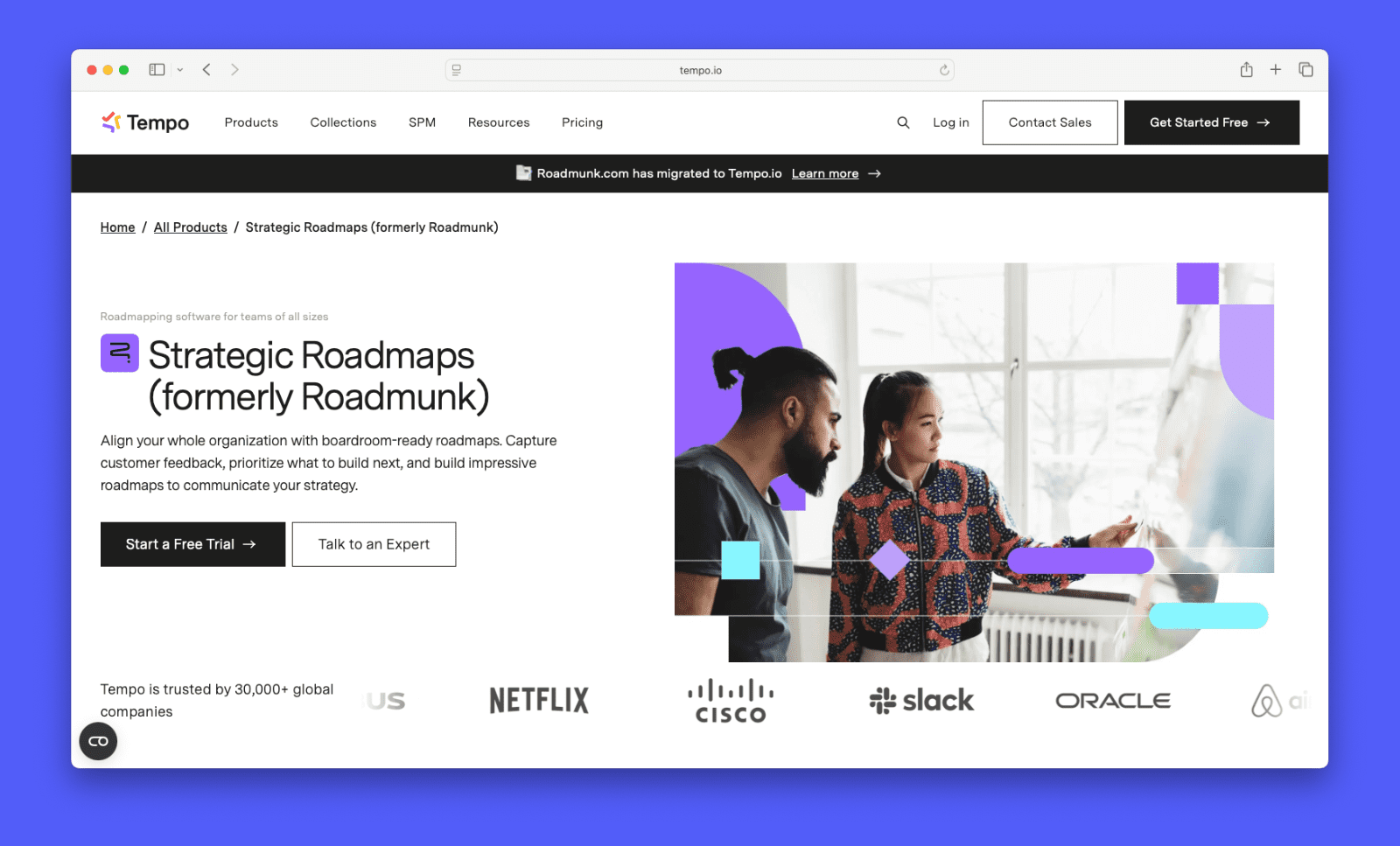
Strategic Roadmaps, formerly Roadmunk, is a roadmap visualization tool now part of Tempo’s product suite. It’s built for teams that need polished, shareable roadmaps with strong Jira integration. Tempo acquired it in 2021 and has moved pricing toward mid-market and enterprise teams.
Features
- Timeline and swimlane roadmaps — visual formats for strategic planning and stakeholder communication
- Portfolio roadmaps — merge multiple roadmaps into one view (Business and above)
- Feedback portal — collect customer input through a customizable form (Business and above)
- Idea management and prioritization — RICE and value vs. effort scoring built in (Business and above)
- Roadmap dependencies — link related items across roadmaps (Business and above)
- Two-way Jira and Azure DevOps sync — bidirectional updates between roadmaps and dev tools (add-on on Business, included on Professional)
- Shareable roadmaps — unlimited reviewers can view and comment via secure link
Pricing
Starter is $19/editor/month. Business is $49/editor/month. Professional is $99/editor/month. Enterprise is custom. All plans are billed annually. Reviewer seats cost $5/month each beyond the included allowance. Two-way Jira and Azure DevOps sync is a $9/collaborator/month add-on on Business.
When it’s the right choice
- Stakeholder presentation is a priority — timeline and swimlane views are among the most polished in this category
- Your team already uses Jira — the native integration is deep, with two-way sync available
- You want portfolio visibility — Business and above lets you merge multiple roadmaps in one view
When it might not be the right fit
- You’re a small team — minimum user requirements and annual billing make entry costs high
- Feedback management is central to your process — the portal and idea tools are basic compared to dedicated tools
- You want pricing flexibility — there’s no monthly billing option and no free plan
- You need the full feature set from day one — feedback, prioritization, and two-way sync all require Business or above
- You want to share your roadmaps with many people — each plan has a set number of reviewers and extras cost $5
ProdPad
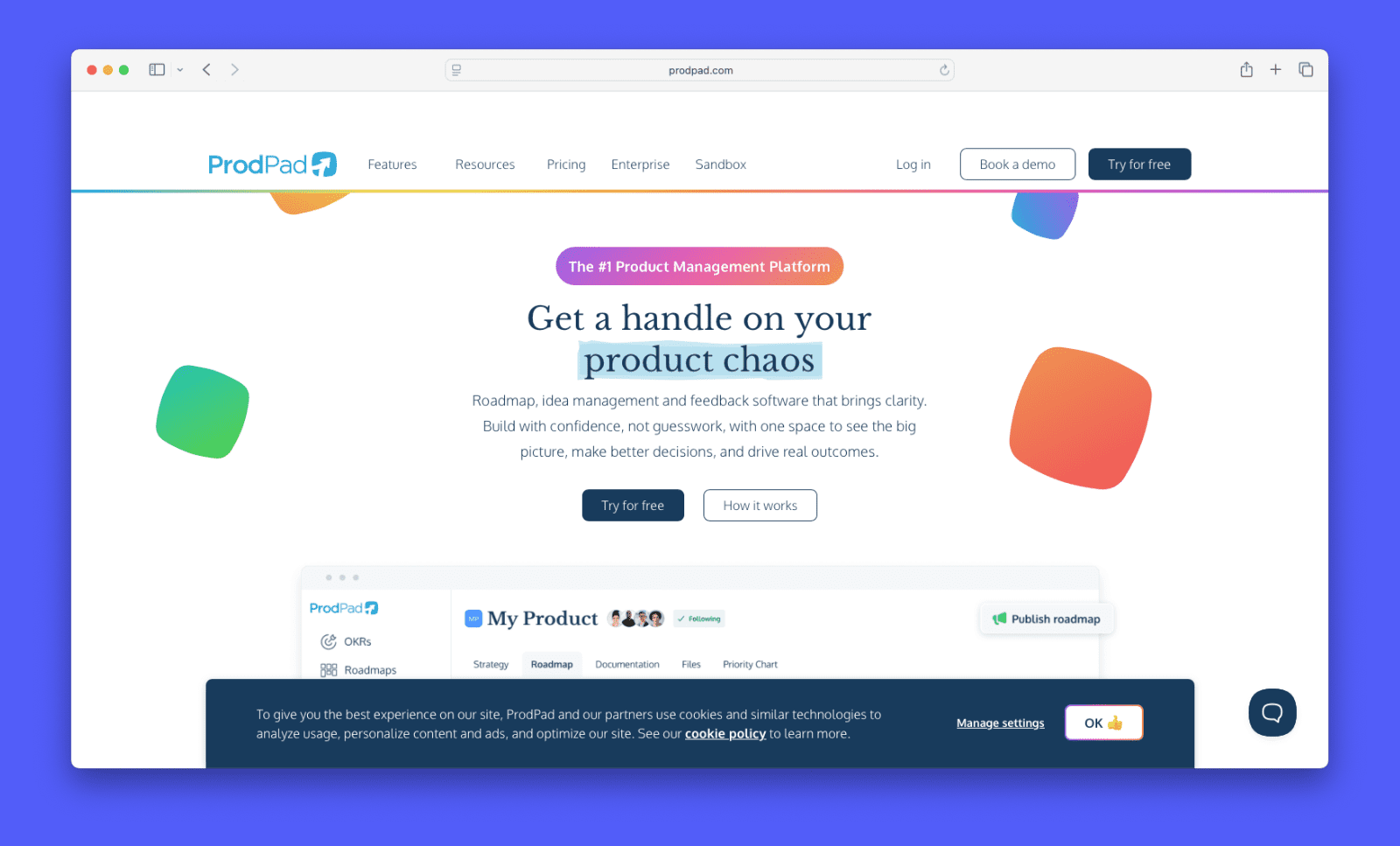
ProdPad is an outcome-focused product management platform. It covers roadmaps, idea management, and feedback collection as separate purchasable modules. Teams that want the full workflow buy all three. ProdPad’s roadmaps rely on the now-next-later format.
Features
- Now-next-later roadmaps — outcome-focused format with no fixed timeline dates
- Idea management — capture, prioritize, and refine ideas before committing to the roadmap
- OKR integration — link roadmap items directly to objectives and key results
- Feedback management — collect customer feedback and link it to ideas in the backlog
- Signals — automatically surface recurring themes across feedback submissions
- Jira and Azure DevOps integrations — push prioritized ideas to development workflows
- Portfolio management — manage strategy across multiple products from one view
Pricing
ProdPad uses a modular pricing model. Roadmaps costs $55/seat/month. Ideas costs $45/seat/month. Feedback costs $45/seat/month. All are billed monthly. A team buying all three modules pays $145/seat/month.
When it’s the right choice
- Outcome-based roadmapping fits your process — the now-next-later format avoids locking teams into hard dates
- OKRs drive your prioritization — roadmap items link directly to objectives
- You want AI across the whole workflow — CoPilot is included on all paid plans, not an add-on
- You manage multiple products — the portfolio view covers strategy across product lines
When it might not be the right fit
- You want all three modules — buying Roadmaps, Ideas, and Feedback separately adds up to $145/seat/month
- You need AI feedback capture — ProdPad analyzes existing feedback but does not pull it from external sources automatically
- You need a standard public feedback board — ProdPad’s portal lets customers vote on up to nine ideas you select, not a persistent public board
- You need multiple roadmap formats — ProdPad doesn’t offer timeline, Gantt, or swimlane views
Craft.io
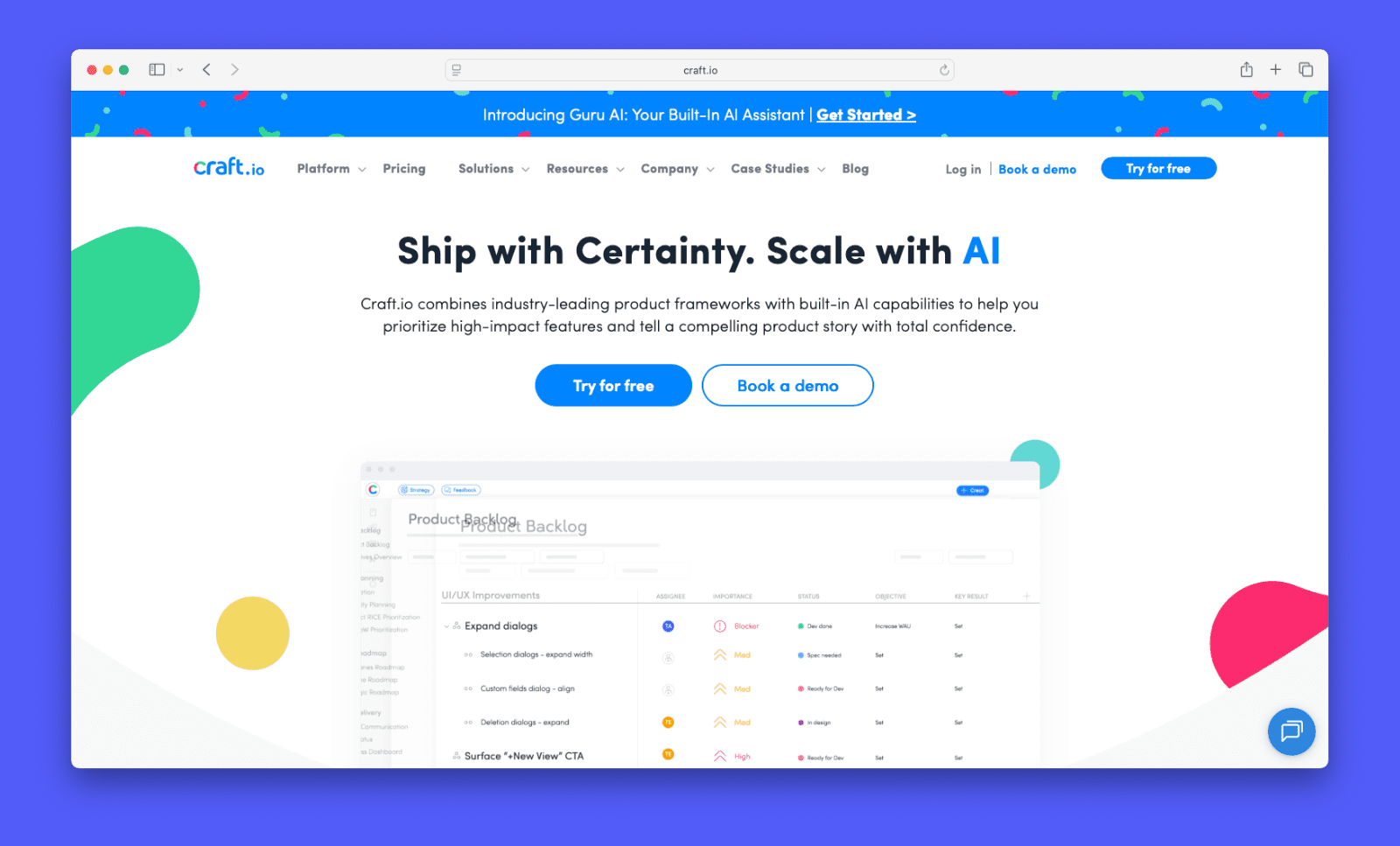
Craft.io is a product management platform built for mid-market and enterprise teams. It connects strategy, OKRs, feedback, prioritization, capacity planning, and roadmapping in one place. They focus on guiding product teams with Guru, a collection of best-practice templates.
Features
- Multiple roadmap views — timeline, kanban, swimlane, table, and release timeline views on all plans
- OKR integration — link objectives directly to features, epics, and initiatives (Pro add-on)
- Prioritization frameworks — 12+ built-in models including RICE, value vs. effort, and custom scoring
- Capacity planning — visualize team workload and allocate resources before committing to a roadmap (Pro add-on)
- Feedback management — collect and organize customer input linked to backlog items (Pro add-on)
- Guru layer — built-in best-practice templates and views for product teams
- Guru AI — AI-assisted insights, task automation, and decision support
- Integrations — Jira, GitHub, Azure DevOps, Figma, Salesforce, Intercom, Slack, and more
Pricing
Starter is $24/editor/month. Pro is $99/editor/month. Enterprise is custom, billed annually. On Pro, OKRs, the feedback portal, and capacity planning are each available as add-ons at $20/editor/month. Enterprise includes all add-ons.
When it’s the right choice
- You need multiple roadmap formats — timeline, kanban, swimlane, table, and release timeline views are all available on every plan
- OKR-to-roadmap alignment is a priority — every item connects directly to strategic objectives
- Your team needs guidance — the Guru layer builds best practices into daily workflows
- You manage a complex portfolio — the platform handles multiple products and cross-team planning at Enterprise
When it might not be the right fit
- You need a public feedback board — Craft.io collects feedback internally but has no customer-facing voting board
- You need AI feedback capture — Craft.io does not automatically pull feedback from external sources
- You want the full feature set without add-ons — OKRs, feedback, and capacity planning each cost an extra $20/editor/month on Pro, bringing the total to $159/editor/month
- There’s a learning curve — the platform’s depth is its strength, but it takes time to navigate before it starts feeling intuitive
Visor
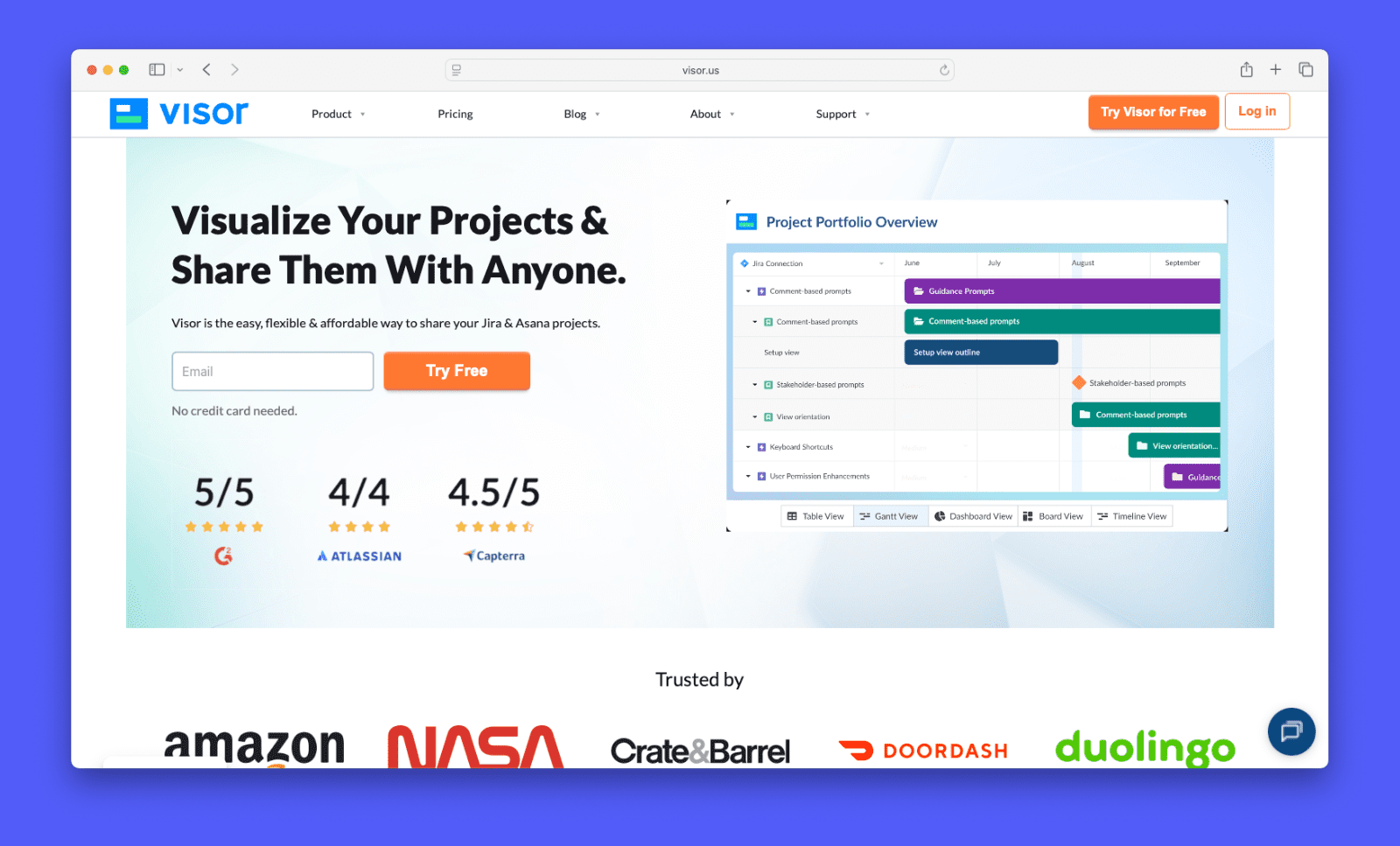
Visor is a spreadsheet-style roadmap tool built around Jira sync. It pulls live Jira data into Gantt, timeline, kanban, and table views. Teams use it to create cleaner stakeholder visuals without rebuilding data manually.
Features
- Two-way Jira sync — pull and push Jira data in real time, with changes reflected in both directions
- Gantt and timeline views — visualize project schedules with milestones and dependencies
- Kanban board view — swimlane boards pulled from live Jira data
- Portfolio importing — aggregate data from multiple Jira projects into one workbook
- Salesforce and HubSpot integrations — sync CRM data alongside project data (Team plan and above)
- Dashboard and reporting — chart and report views for project oversight
- External embedding — embed workbooks in Confluence or other tools (Team plan and above)
Pricing
Visor’s free plan includes table and board views, up to two workbooks, and basic Jira sync. Paid plans are billed annually. Starter is $18/editor/month. Team is $24/editor/month. Business is a flat $750/month for up to 100 editors.
When it’s the right choice
- You use Jira heavily — two-way sync is Visor’s strongest differentiator, and it goes deeper than most tools
- You need stakeholder-ready visuals from live data — Gantt and timeline views update automatically as Jira changes
- Your audience is large but mostly read-only — unlimited free viewers make sharing cost-effective
- You want a flat-rate option — the Business plan at $750/month covers up to 100 editors
When it might not be the right fit
- You need feedback management — Visor has no feedback collection, voting, or customer-facing features
- You’re not on Jira — Asana, Salesforce, and HubSpot integrations exist, but Visor centers on Jira
- You need prioritization tools — Visor displays plans but offers no scoring frameworks
- You need a changelog — there’s no way to communicate releases or updates to customers
The right roadmap tool for your team
The right roadmap tool depends on what problem you’re actually trying to solve. Some teams need a better way to visualize and share a plan they’ve already made. Others need help deciding what should be on the plan in the first place.
Canny is a good fit if you want feedback, prioritization, and roadmapping in one place. It’s built around the idea that high-impact customer requests should help guide your roadmap. You can build your roadmap on our Free plan, and access more powerful features starting at $19 a month.